Skip to content
Changelog

What's new
on CloudHike.

Every feature and fix we've shipped to production, newest first.

November 2026

9 updates
New

Cloud Computer: Linux desktops for your AI agents

Deploy Cloud Computer and start a desktop in the cloud for each of your users. Your agent takes screenshots, clicks, types and runs shell commands through one API, and your users watch it live in your app.

  • Each computer runs Debian with Xfce, Google Chrome, a terminal and its own files, and keeps its user's sign-ins between sessions
  • Show the live screen in an iframe, view-only or with your user in control, and take over from the dashboard at any time
  • Only running time is charged, by the second; idle computers stop on their own and stopped ones keep their files for free
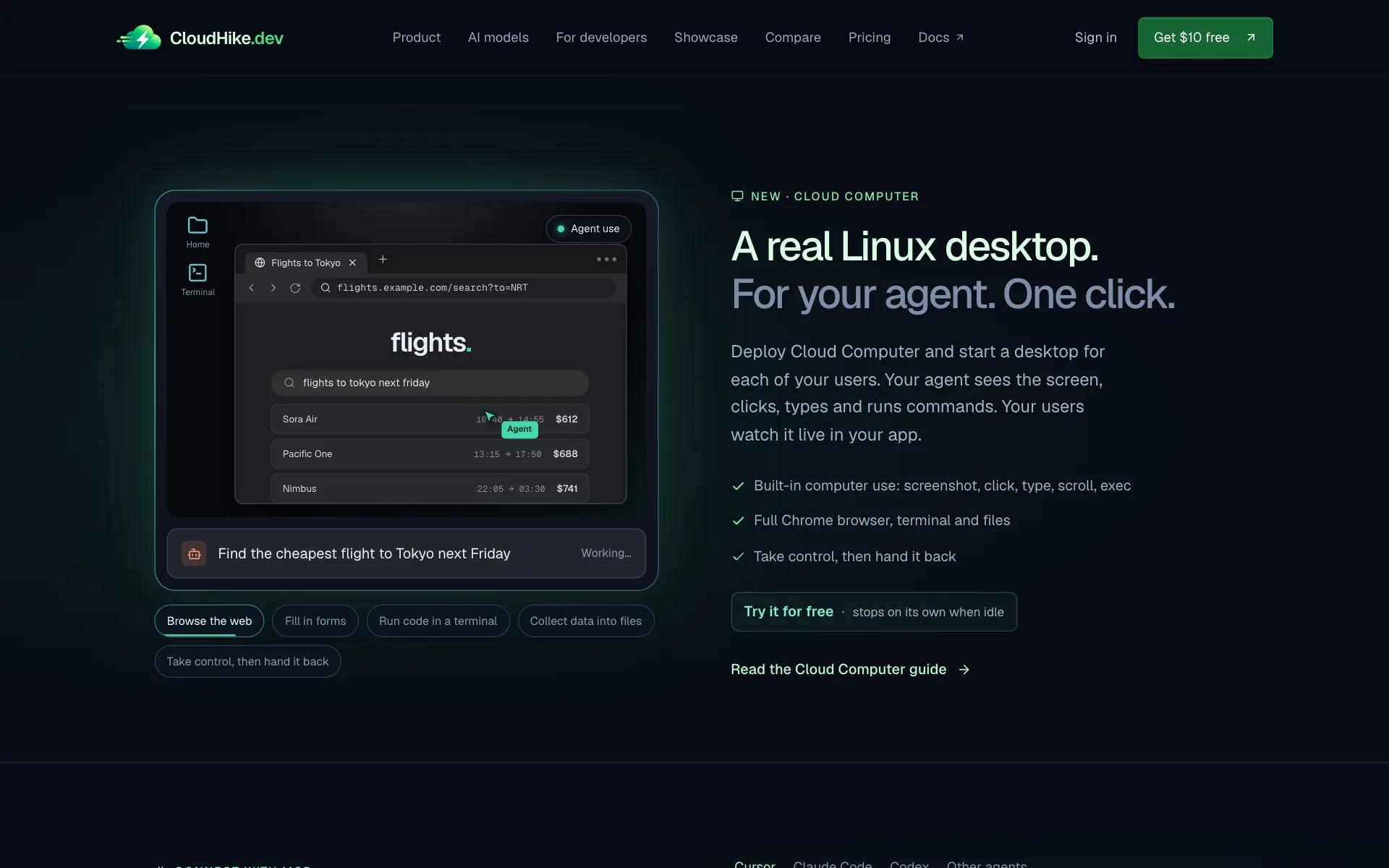
The Cloud Computer section of the landing page, with an agent searching for flights on a cloud desktop
Cloud Computer docs
Improved

A clearer view of every service on the homepage

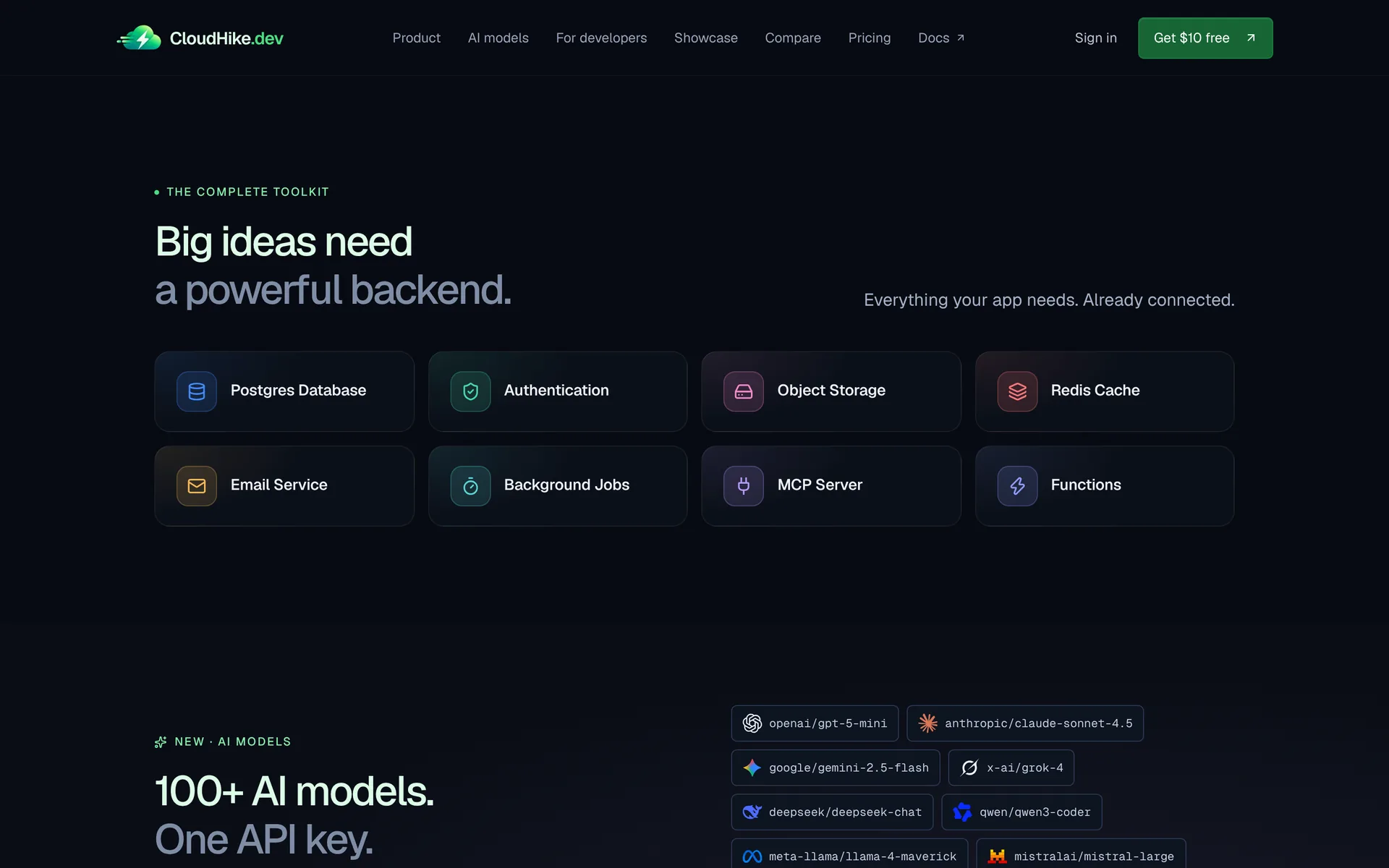
The landing page now shows the whole toolkit in a two-row grid: Postgres, auth, storage, Redis, email, background jobs, the MCP server and Functions, each one a click away from its docs.

The CloudHike.dev landing page with a two-row grid of services
See the homepage
Improved

Auth deploys without waiting for Postgres

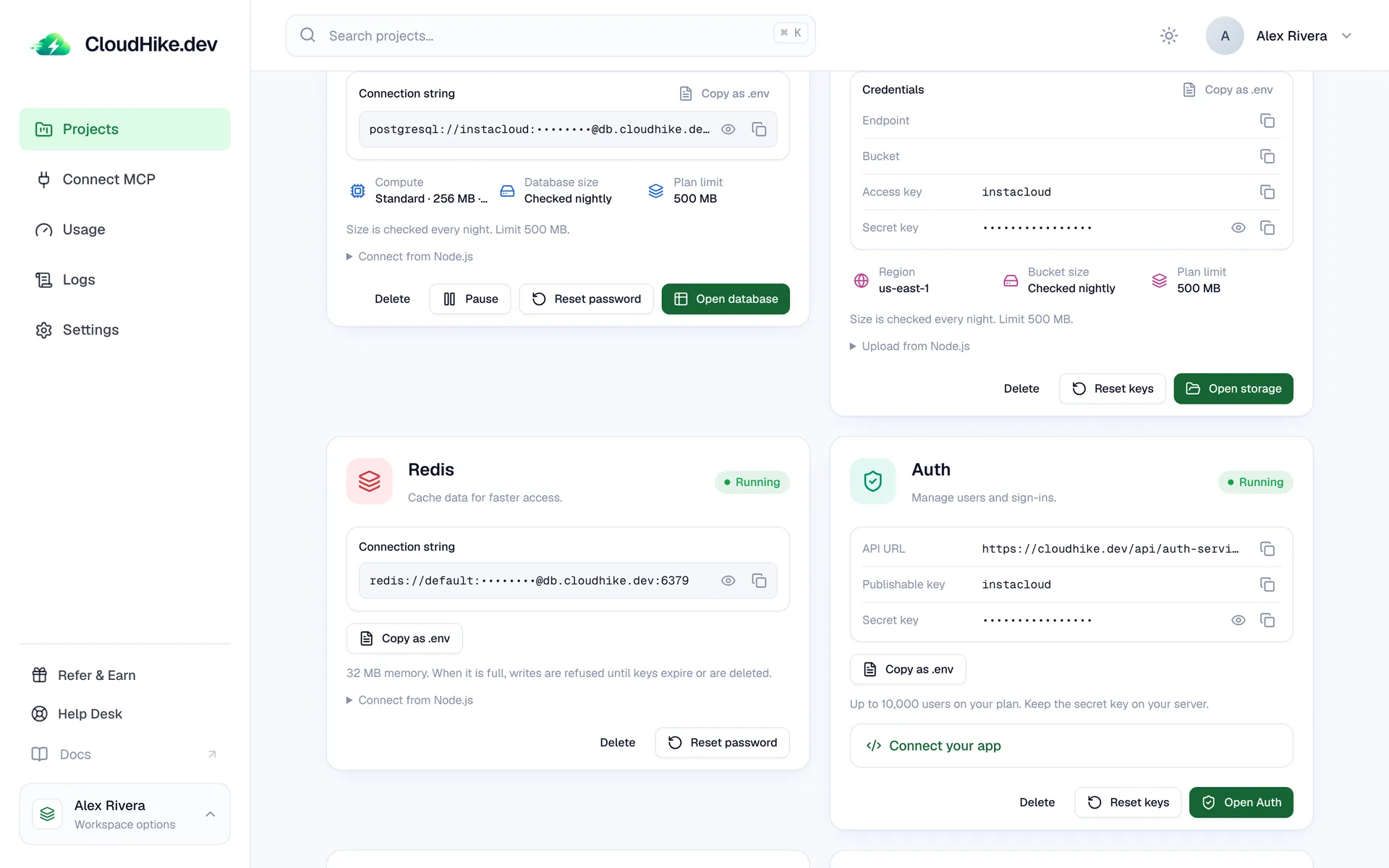
You can deploy Auth on its own, in any order. It no longer waits for your project's database to start, so sign-up and login are ready sooner, even in a project that has no Postgres yet.

The Auth card running next to Redis on a project's Services tab
Auth docs
New

AI usage by month, day and model

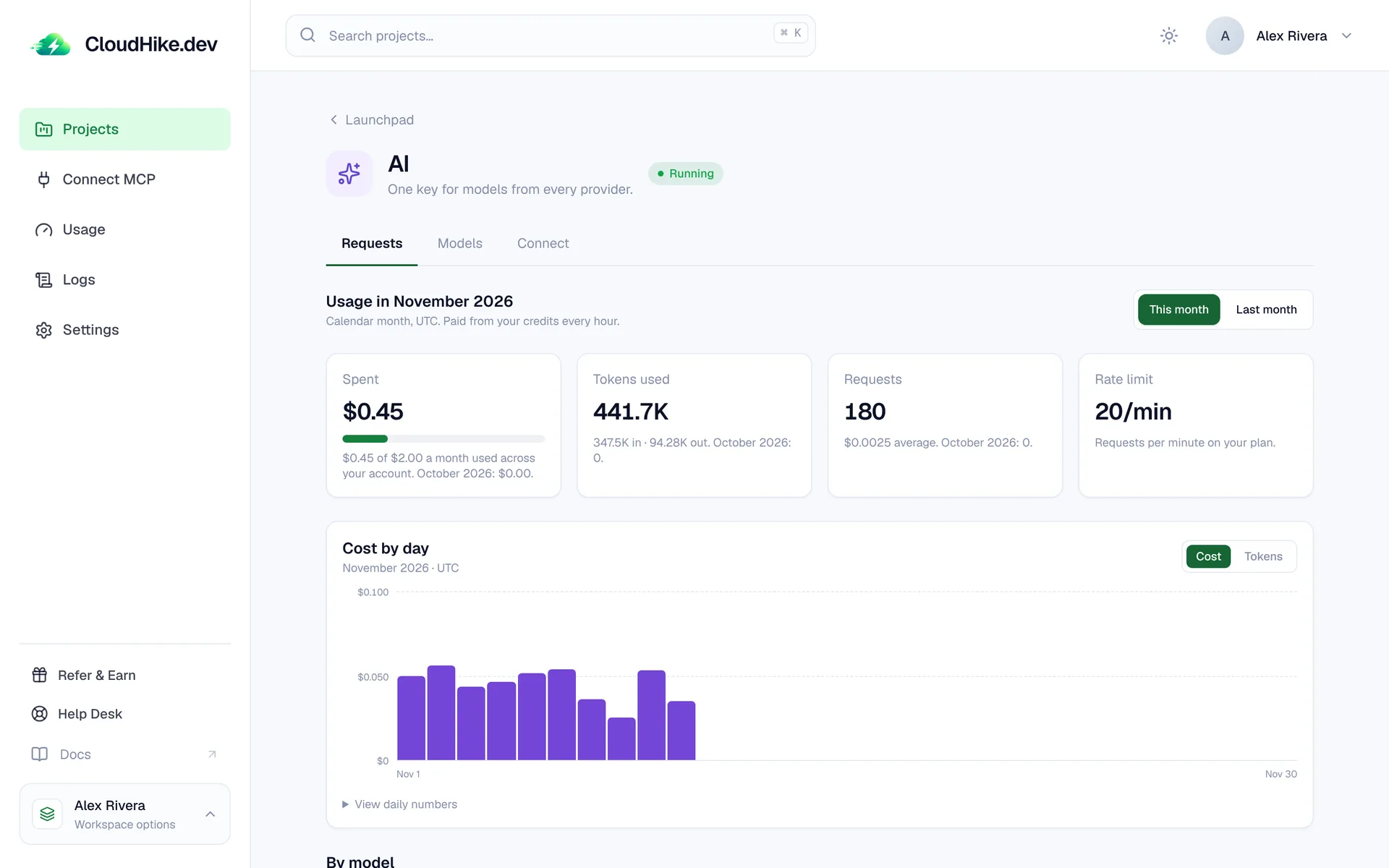
The AI page now shows what you spent, the tokens you used and how many requests you made this month or last, with a cost-by-day chart and a breakdown for every model.

  • Switch the chart between cost and tokens
  • Times across the dashboard and admin are now shown in your own time zone
The AI requests page with monthly spend, tokens, requests and a cost-by-day bar chart
AI models docs
Improved

AI limits you can see coming

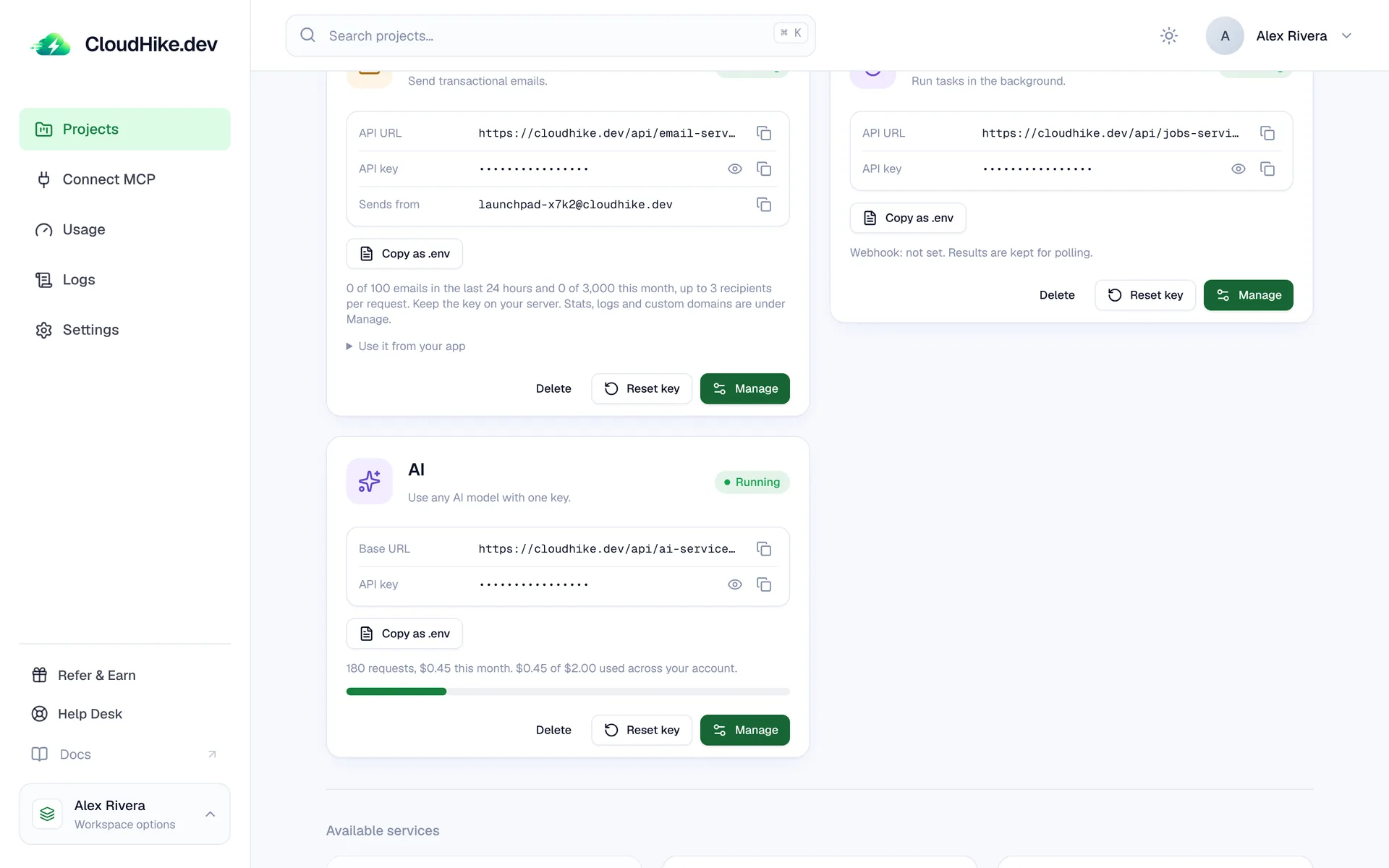
The AI card shows how much of your monthly allowance is used, and owners get an email warning before a limit is reached instead of finding out when requests stop.

  • Every AI request has a hard 5 minute limit, so a stuck stream never runs up a bill
  • The Free plan's $2 AI allowance is counted per account and held on every request
The AI service card with its API key and a bar showing this month's allowance
New

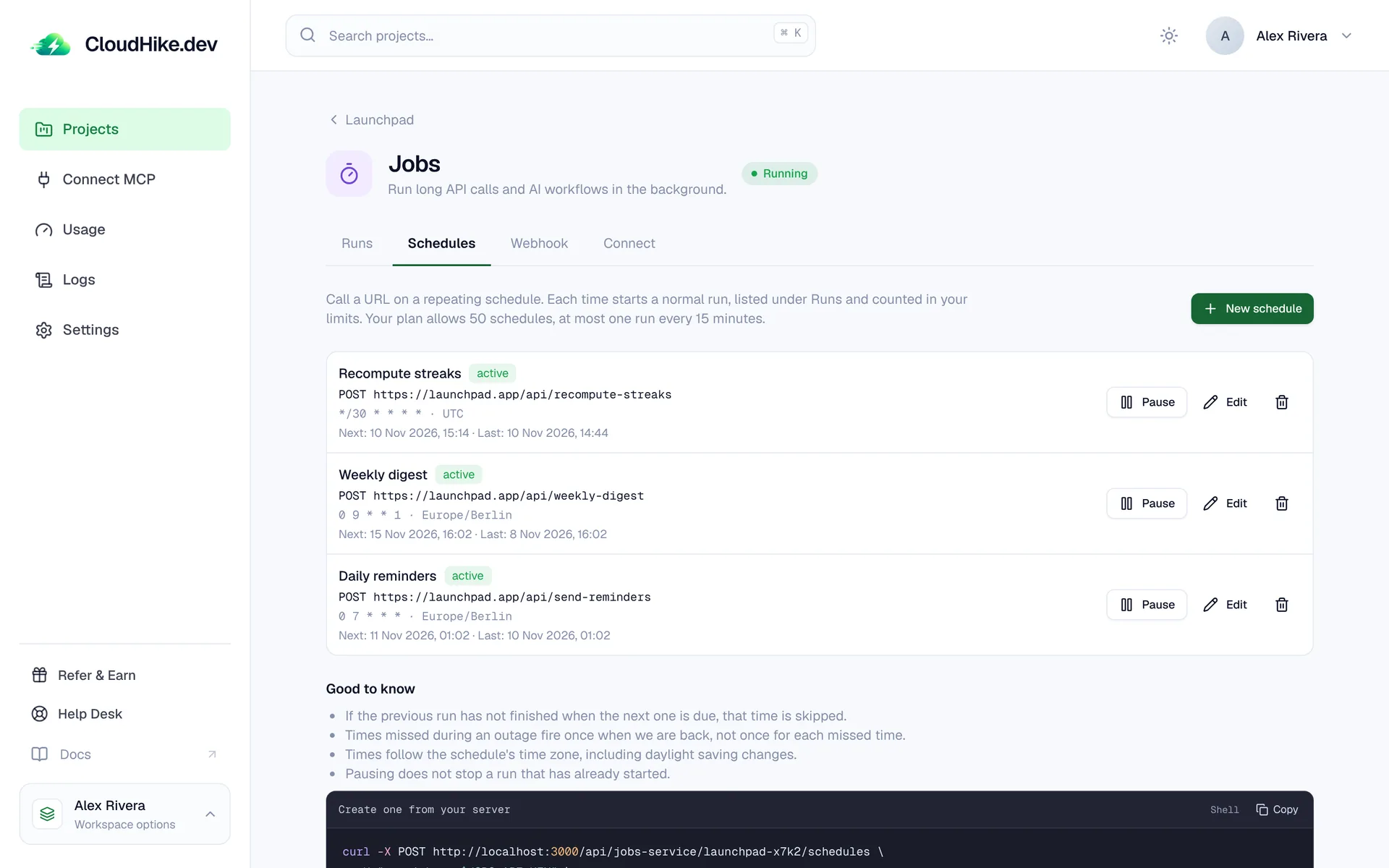
Scheduled background jobs

Call a URL on a repeating schedule, like a cron job without a server. Pick a cron pattern and a time zone, and every run shows up under Runs with its status and response.

  • Pause, edit or delete a schedule at any time
  • An email lets you know when you are close to your plan's monthly job runs
The Jobs Schedules tab listing three schedules with their cron patterns and next run times
Background jobs docs
New

$10 of credit when you sign up

New visitors are offered $10 in free credits to start building, with no credit card required. Use it on a database, auth, storage and 100+ AI models.

A dialog on the landing page offering $10 of free credit
Claim your credit
New

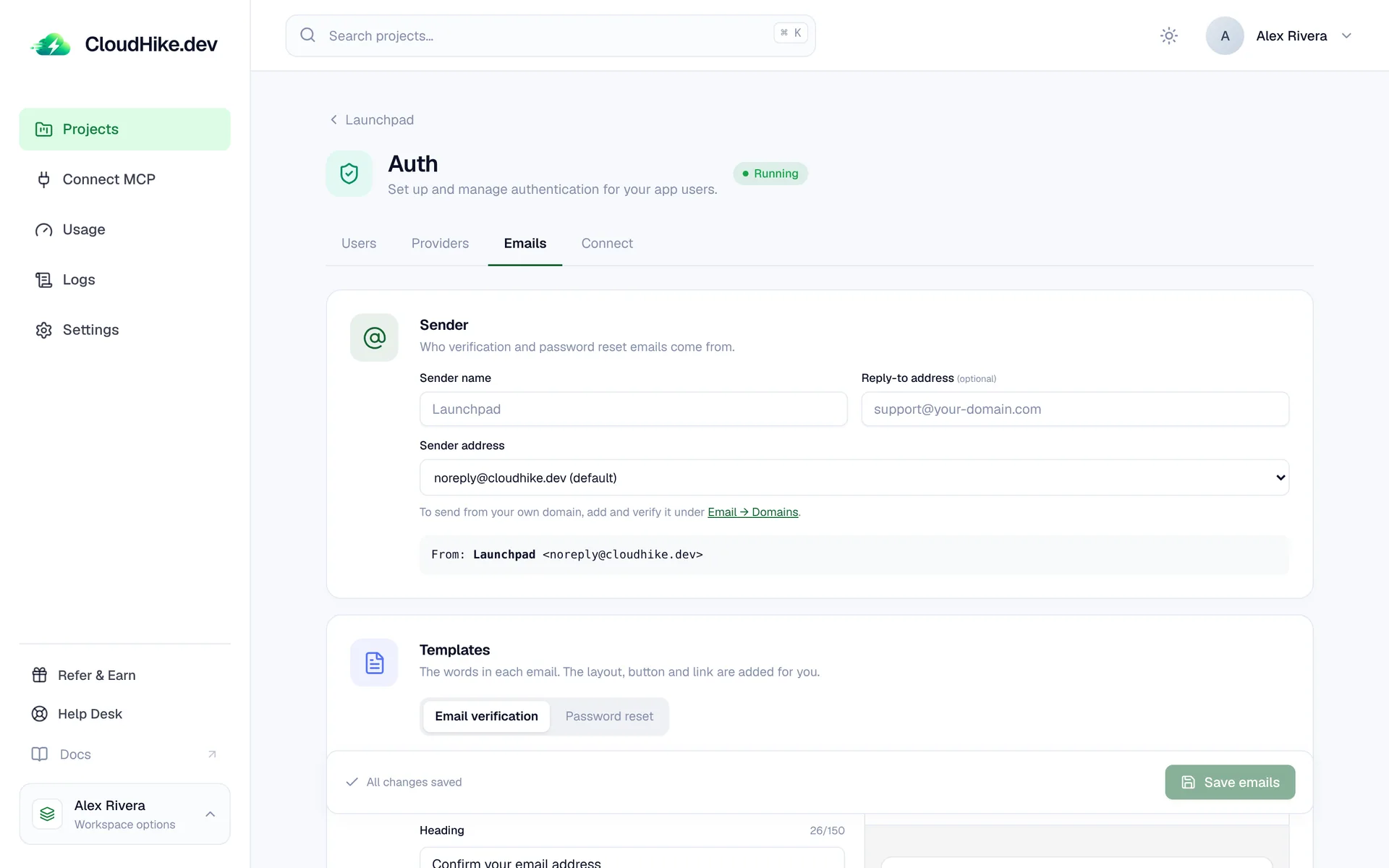
Your name and words on auth emails

Choose who verification and password reset emails come from, set a reply-to address, and rewrite the words of each email while the layout, button and link are added for you. Send from your own domain once it is verified under Email.

The Auth Emails tab with sender name, reply-to address and email templates
Auth docs
New

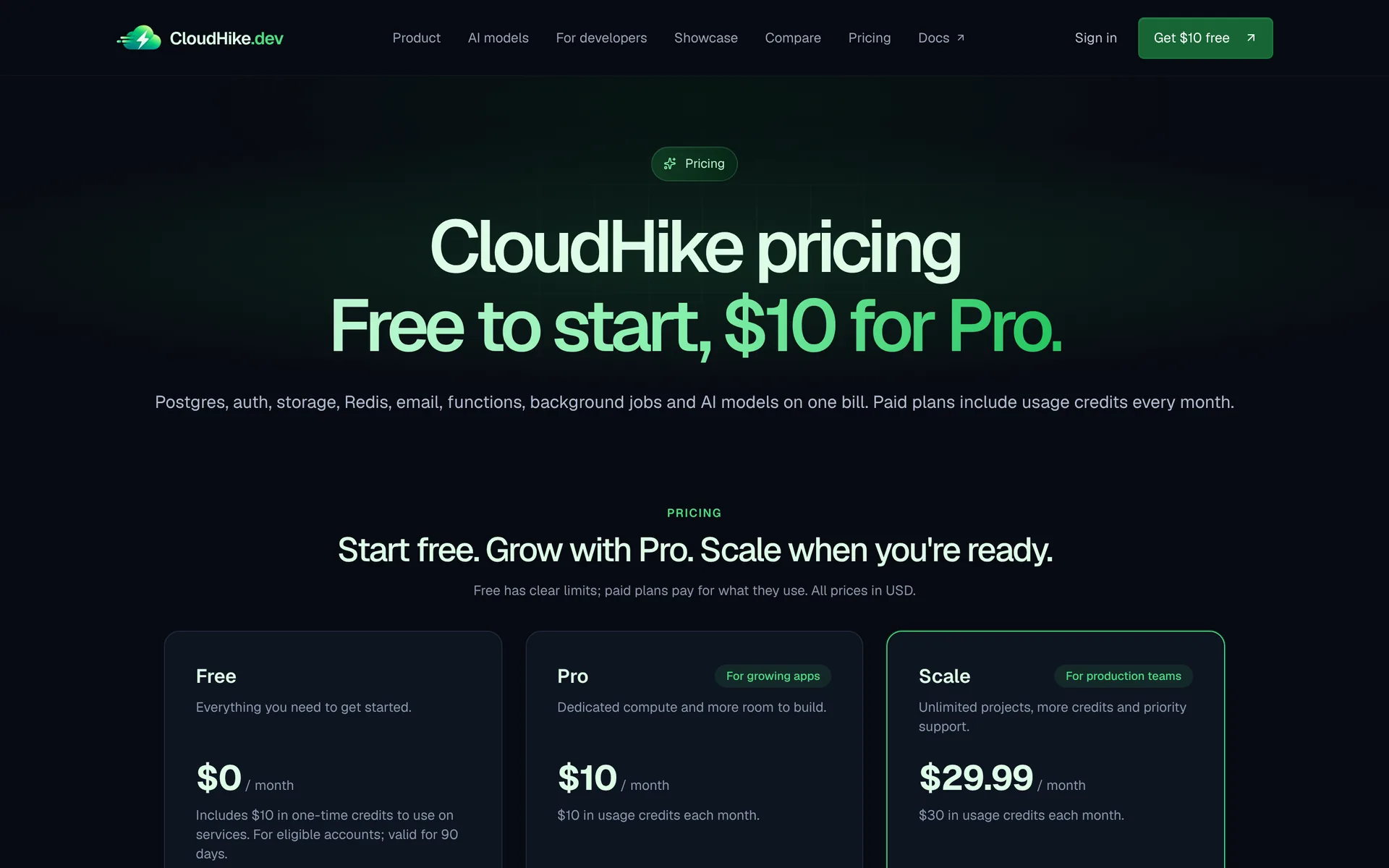
A pricing page of its own

Every plan, limit and price now lives on one page, with answers to the common questions. We also added side-by-side comparisons with Supabase and Firebase.

The CloudHike pricing page with the Free, Pro and Scale plans
See pricing

Smaller improvements and fixes

  • Fixed

    A failed sign-in with GitHub or Google now returns your users to your app with an error, instead of stopping on a CloudHike page.

  • Fixed

    Project sign-in waits longer for a database that is waking up, and per-project rate limits count correctly.

  • Improved

    Payment receipts come from contact@cloudhike.dev, so replies reach a person.

  • Improved

    Canceling checkout offers 30% off your first month of Pro, also after using the browser's Back button.

  • Fixed

    Streamed AI requests always record their usage, even when the stream ends early.

  • Fixed

    New storage buckets on AWS wait until their access keys are accepted, so the first upload no longer fails.

October 2026

23 updates
New

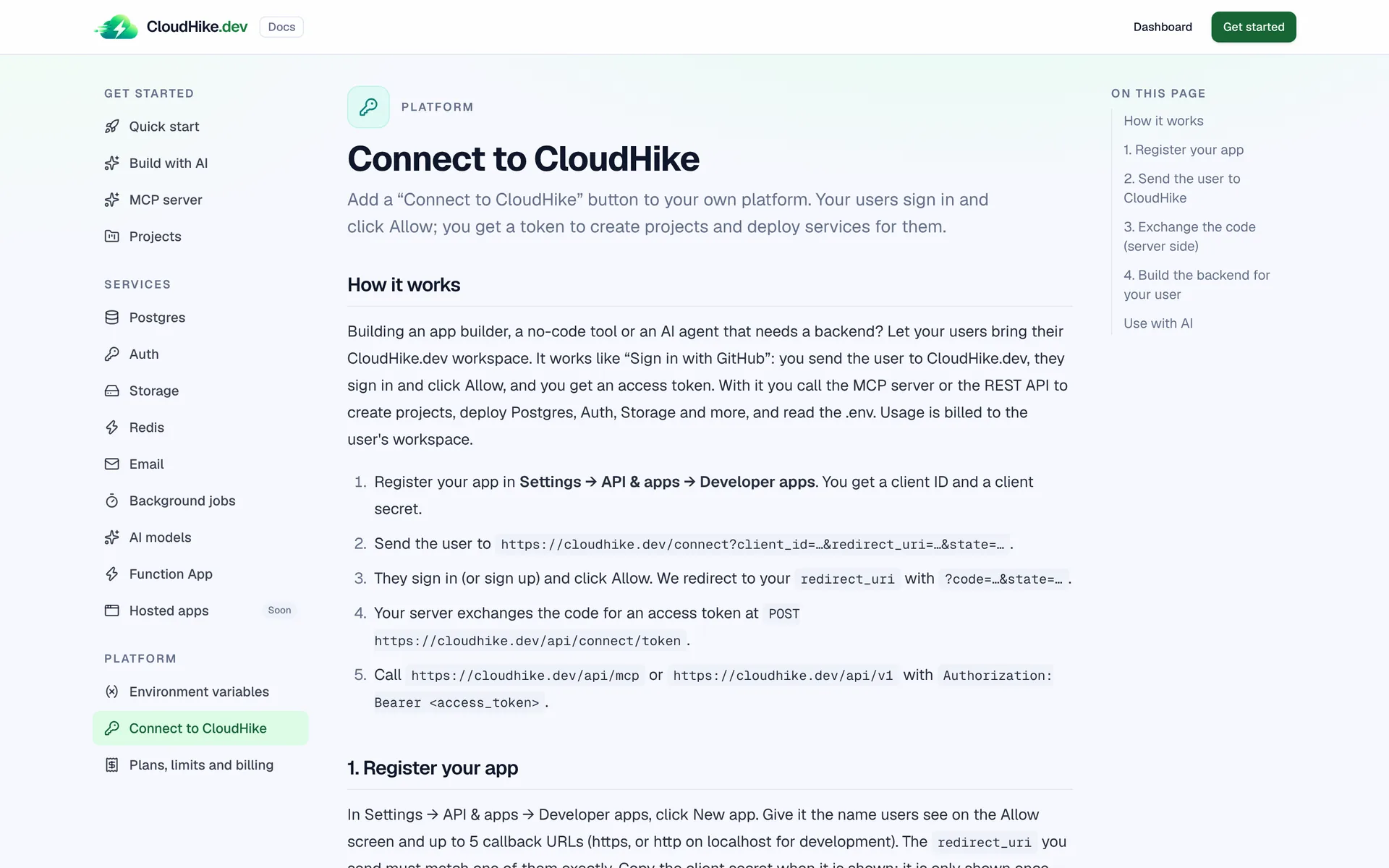
Connect to CloudHike

Building an app builder, a no-code tool or an AI agent? Add a "Connect to CloudHike" button. Your users sign in, click Allow, and you get a token to create projects and deploy services in their workspace.

The Connect to CloudHike guide in the docs
Read the guide
New

Showcase what you built

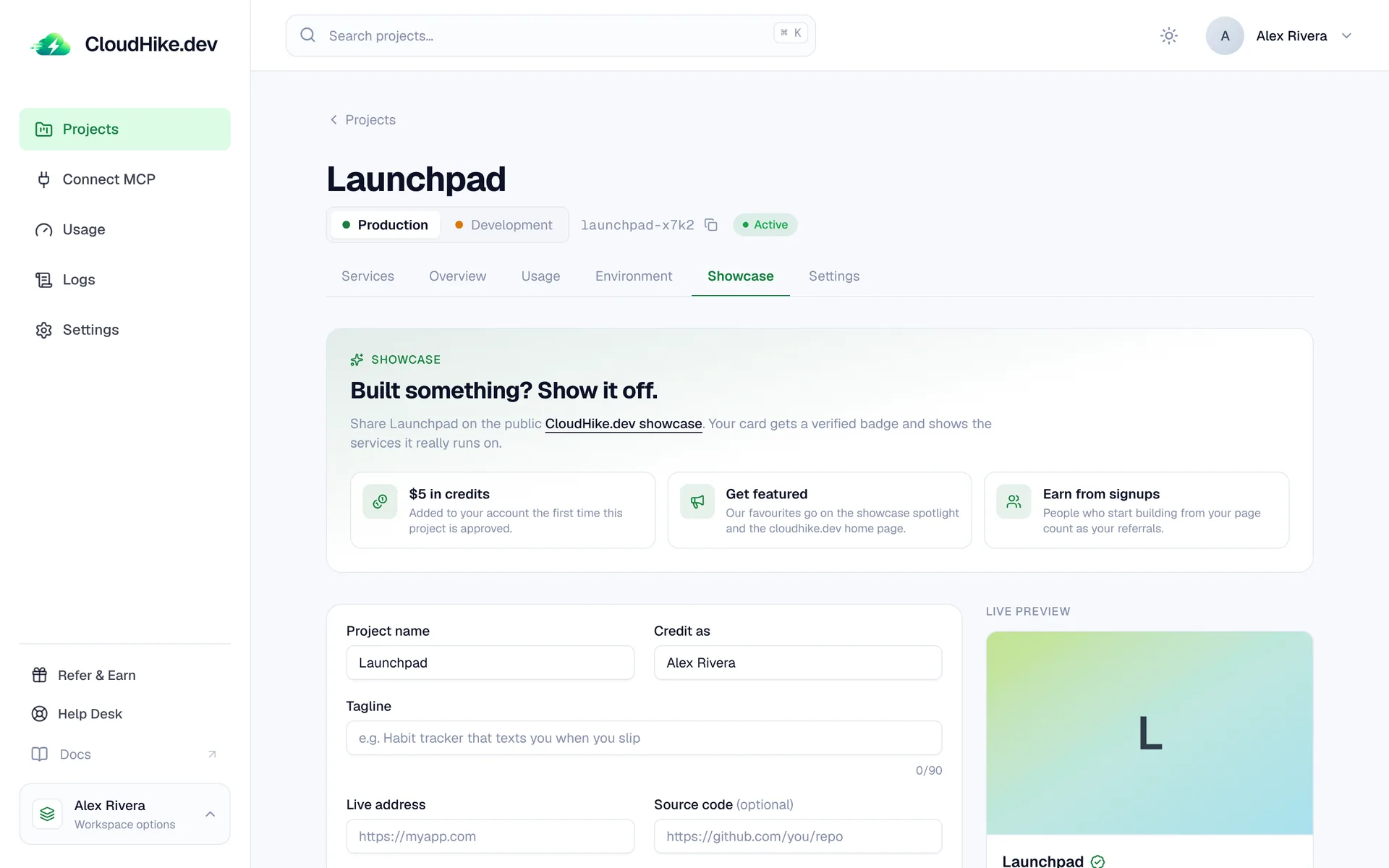
Share your project on the public CloudHike showcase from its Showcase tab. Your card gets a verified badge that shows the services it really runs on, and you earn $5 in credits when it is approved.

A project's Showcase tab with the submission form and a live preview of the card
Browse the showcase
New

100+ AI models, one API key

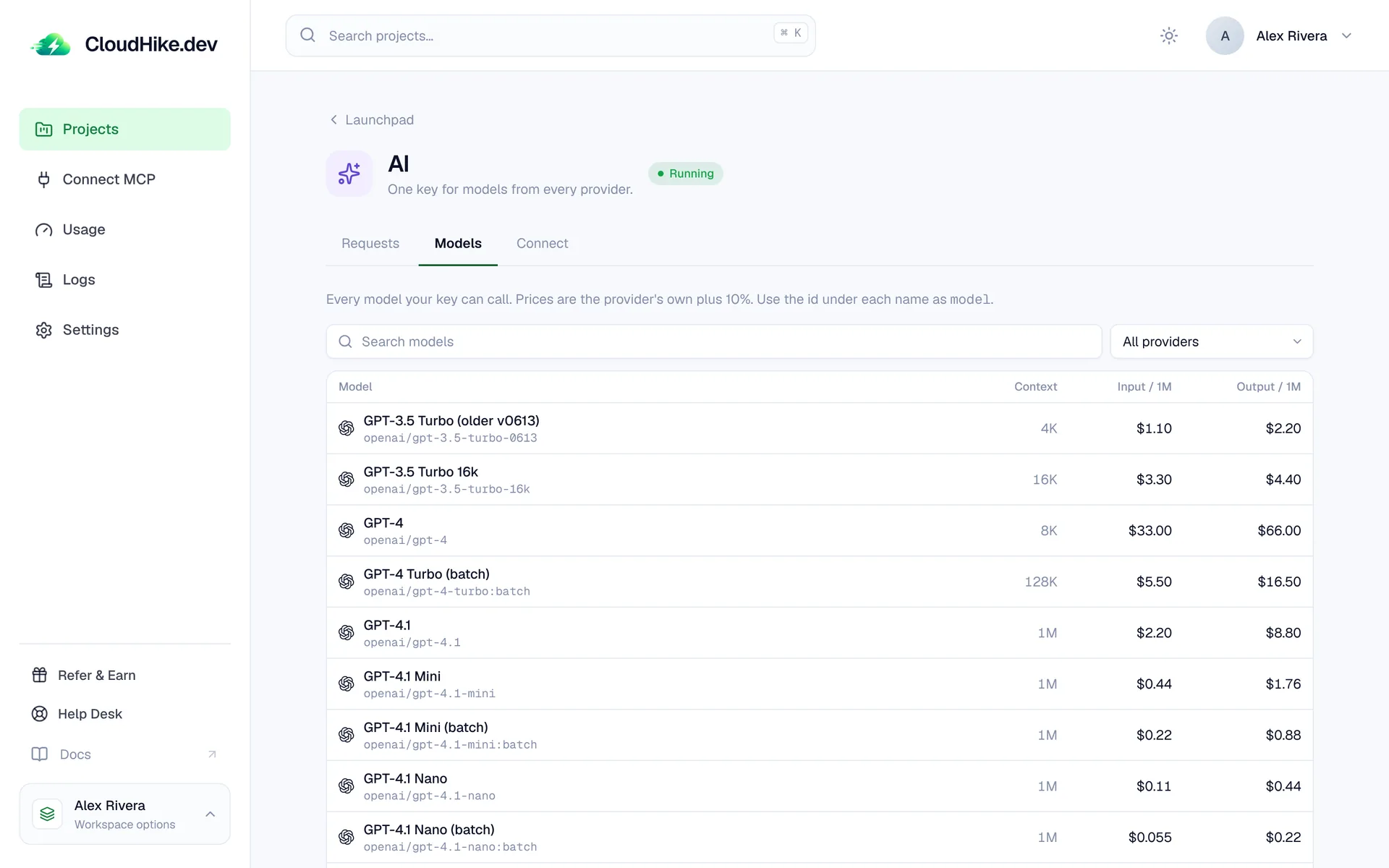
Add the AI service to a project and call GPT, Claude, Gemini, Grok, DeepSeek, Qwen and more through one OpenAI-compatible key. No provider accounts, and usage is billed from your credits.

  • Search every model with its context size and price per million tokens
  • Switch models by changing one line
The AI Models tab listing models with context sizes and input and output prices
AI models docs
New

Function App

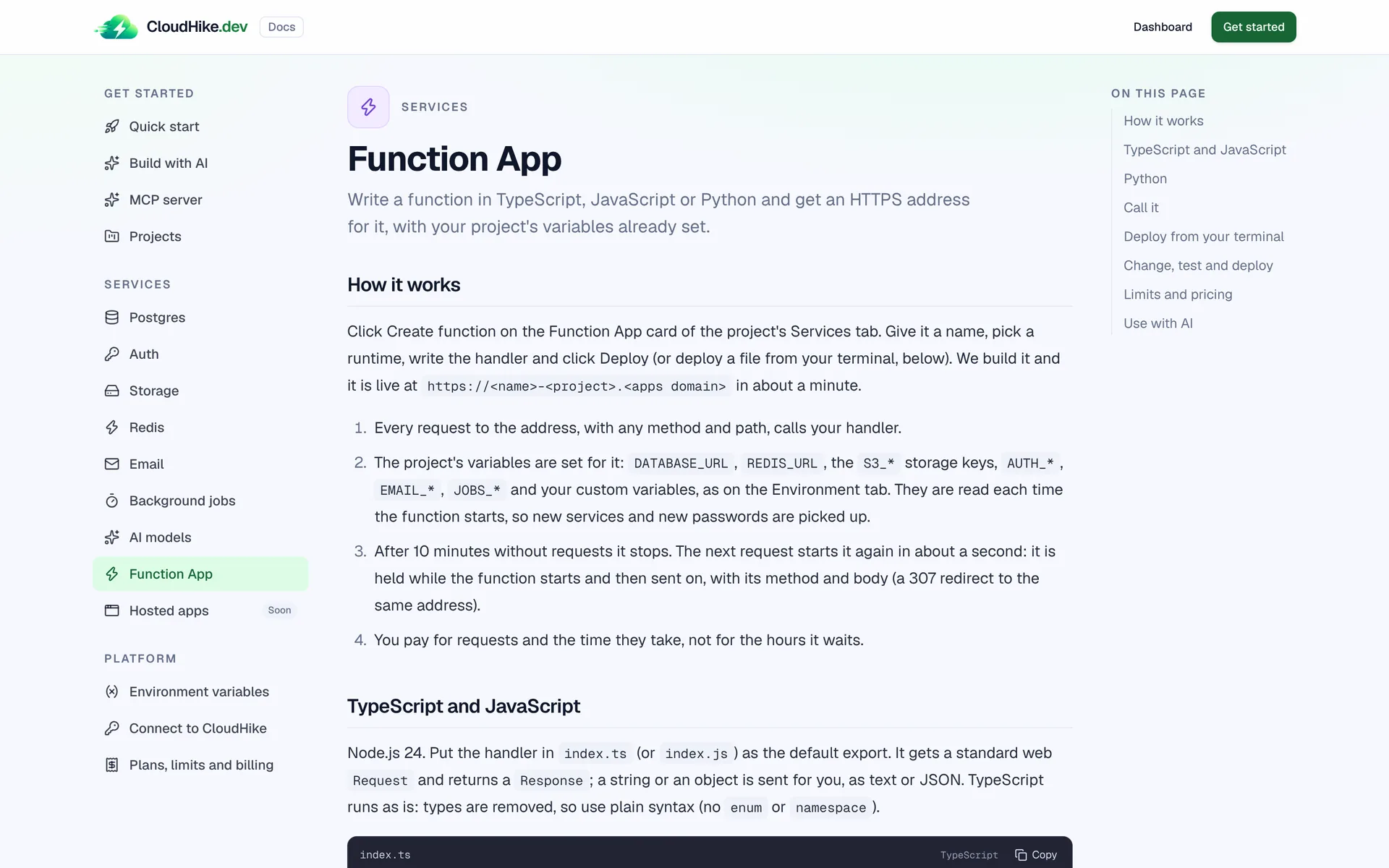
Write a function in TypeScript, JavaScript or Python and get an HTTPS address for it, with your project's variables already set. Deploy from your terminal, then test it right in the dashboard.

The Function App guide in the docs
Function App docs
New

Move your database from Neon, Supabase or InsForge

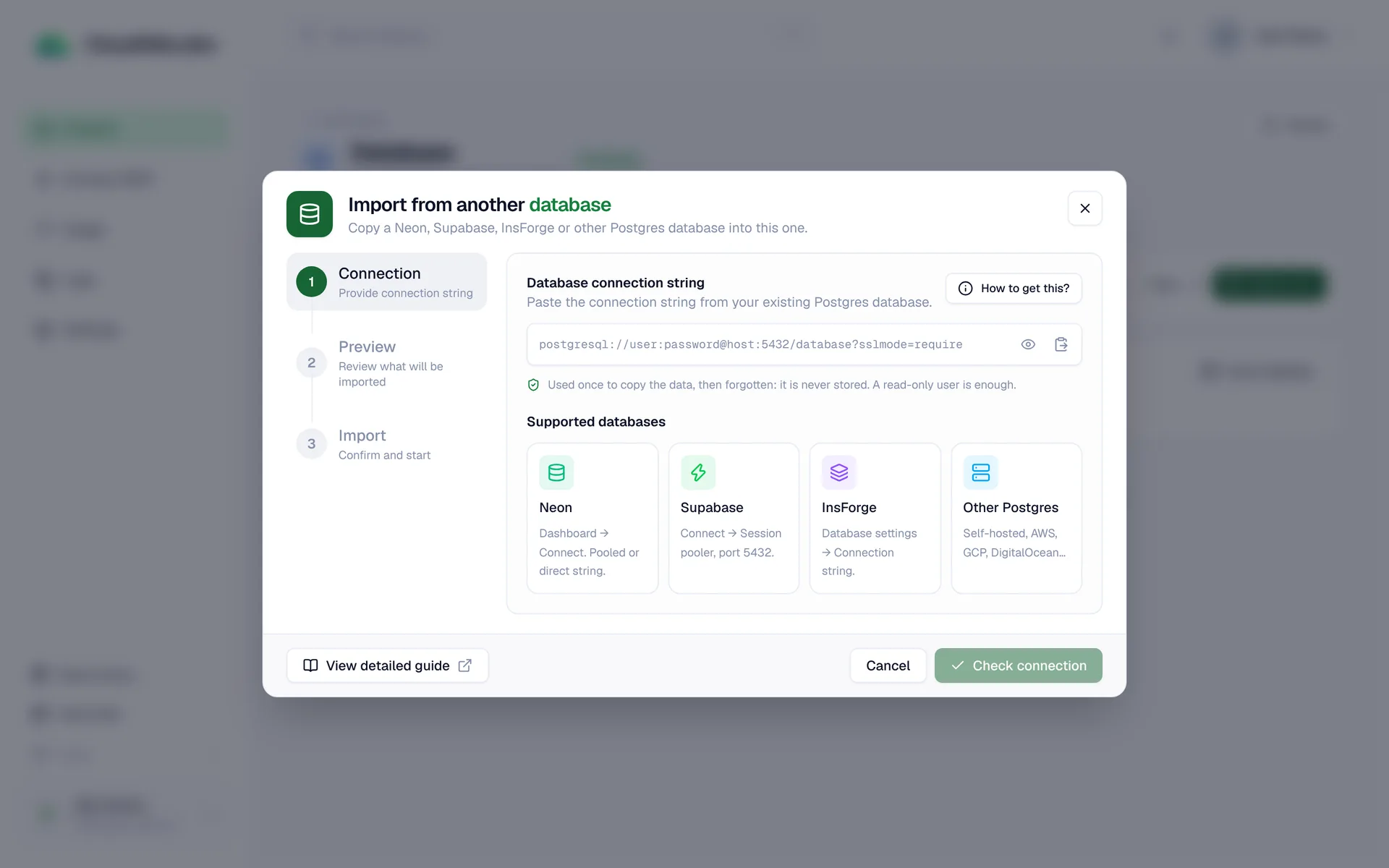
Paste a connection string and CloudHike copies the tables and data of your existing Postgres into your project. A step-by-step wizard checks the connection, previews what will be copied, then imports it.

  • A backup is taken first, so you can undo an import
  • Cancel an import while it runs
The Import from another database wizard with Neon, Supabase, InsForge and other Postgres options
Postgres docs
New

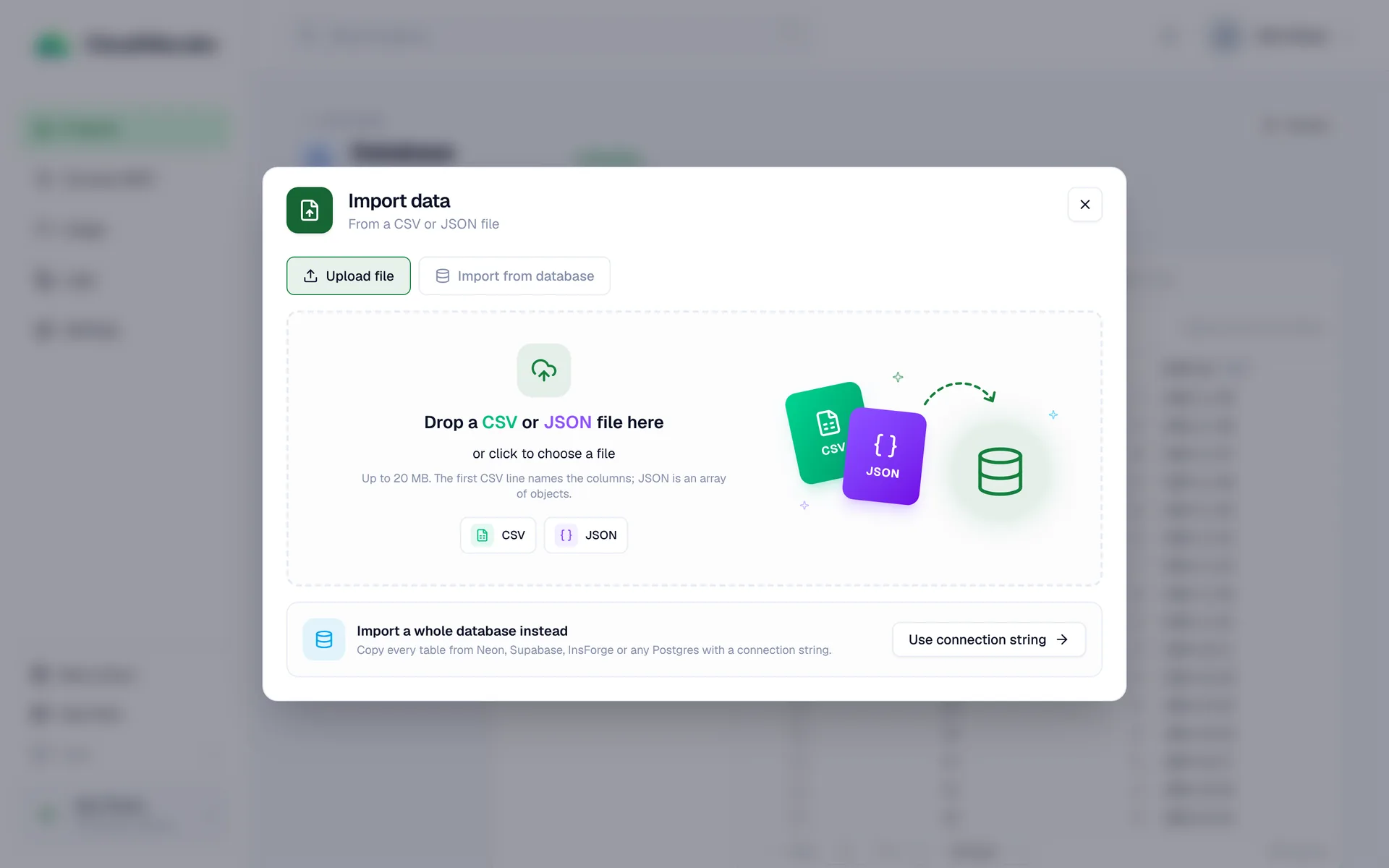
Import CSV and JSON files

Drop a CSV or JSON export into the database explorer to create a table or add rows to one. Review the columns before you import, and undo it from the import history.

The Import data dialog with a drop zone for CSV and JSON files
New

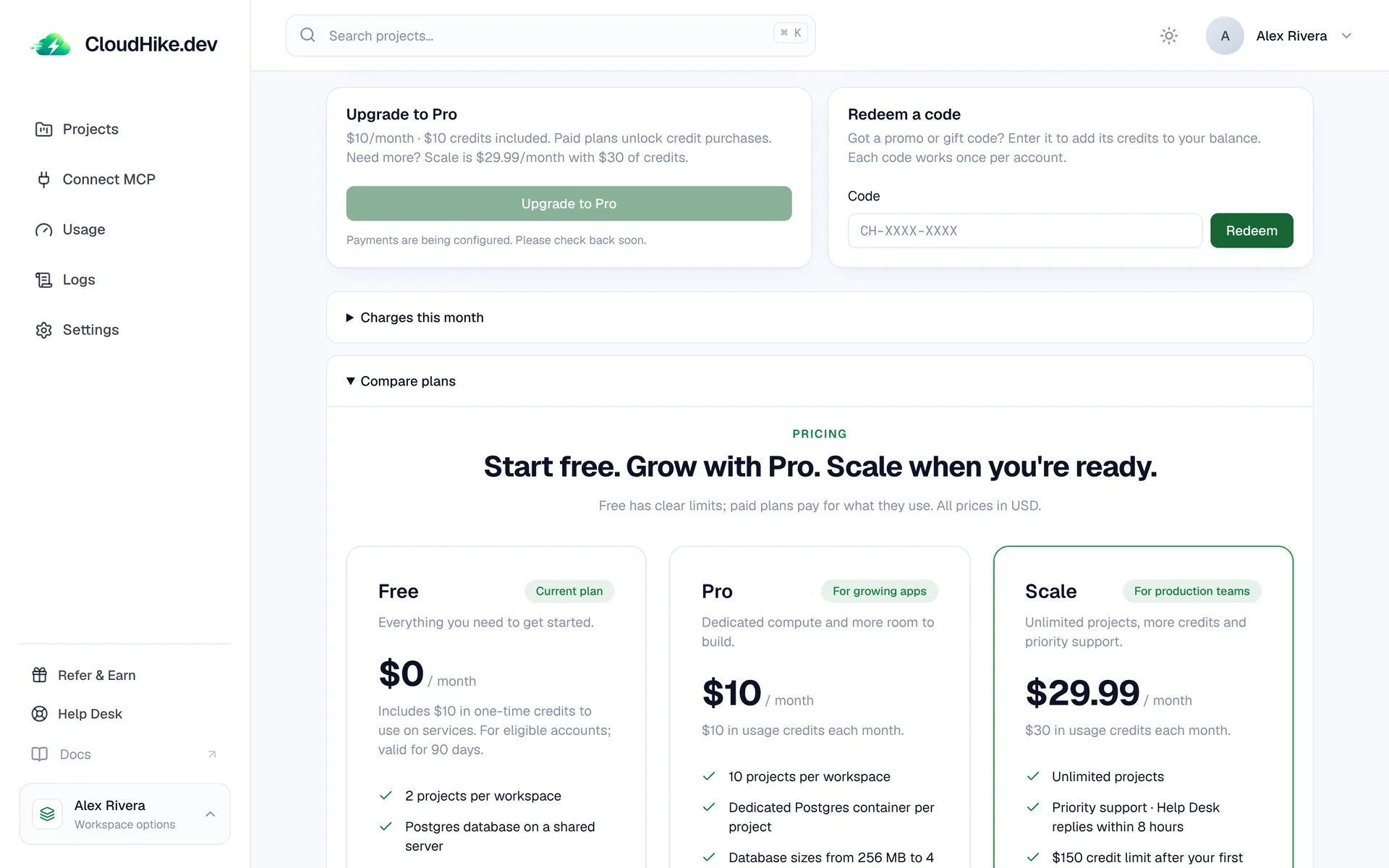
The Scale plan

Scale is $29.99 a month with $30 of usage credits, unlimited projects and priority support. Switch between Free, Pro and Scale from Credits & Billing whenever you need to.

The plan comparison on the Credits & Billing page with the Free, Pro and Scale plans
Compare plans
New

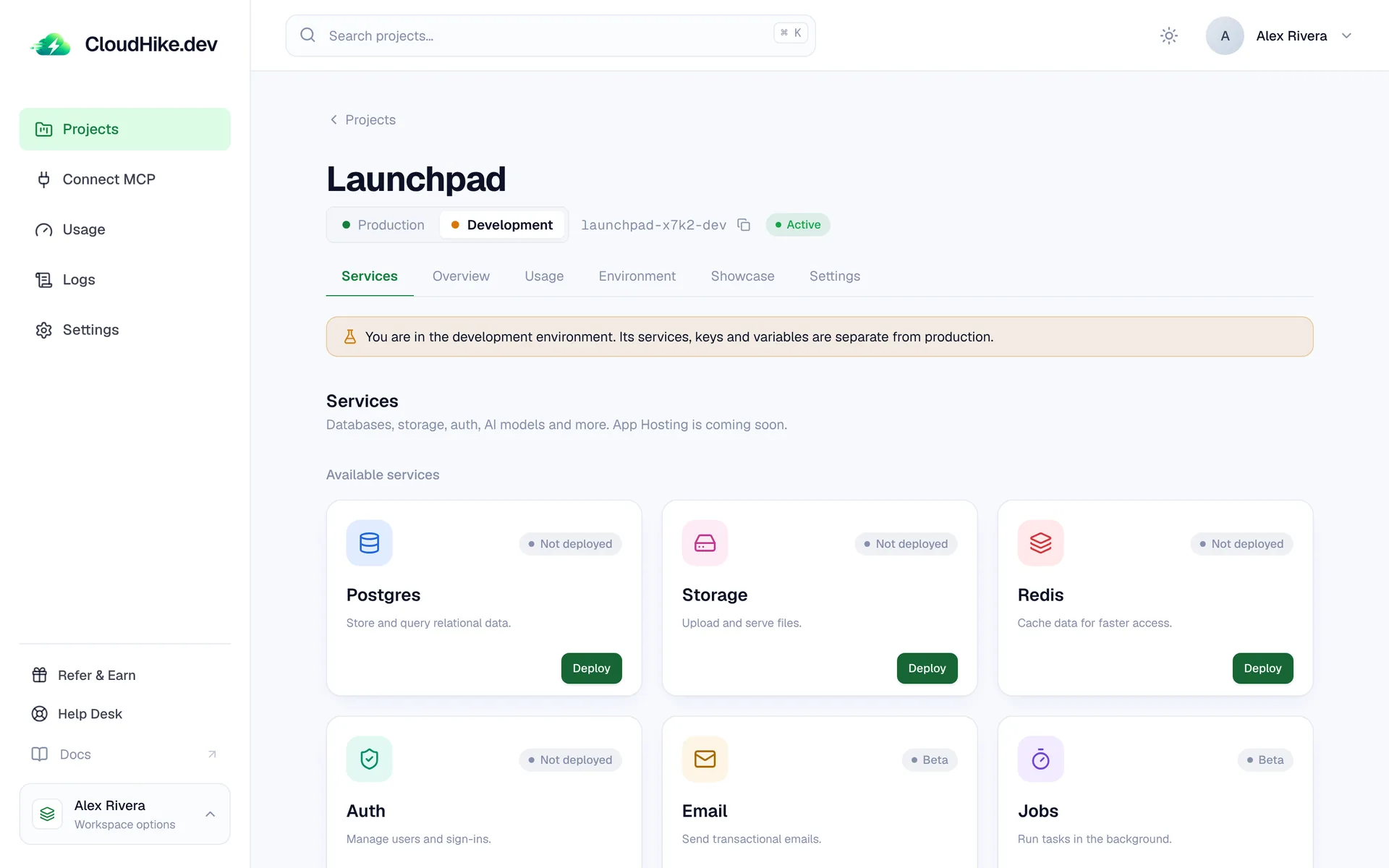
Development and production environments

Every project starts with production. Add a development environment next to it, with its own database, bucket, Redis, keys and .env, and switch between them from the project header.

A project in its development environment with a banner saying its services are separate from production
How environments work
New

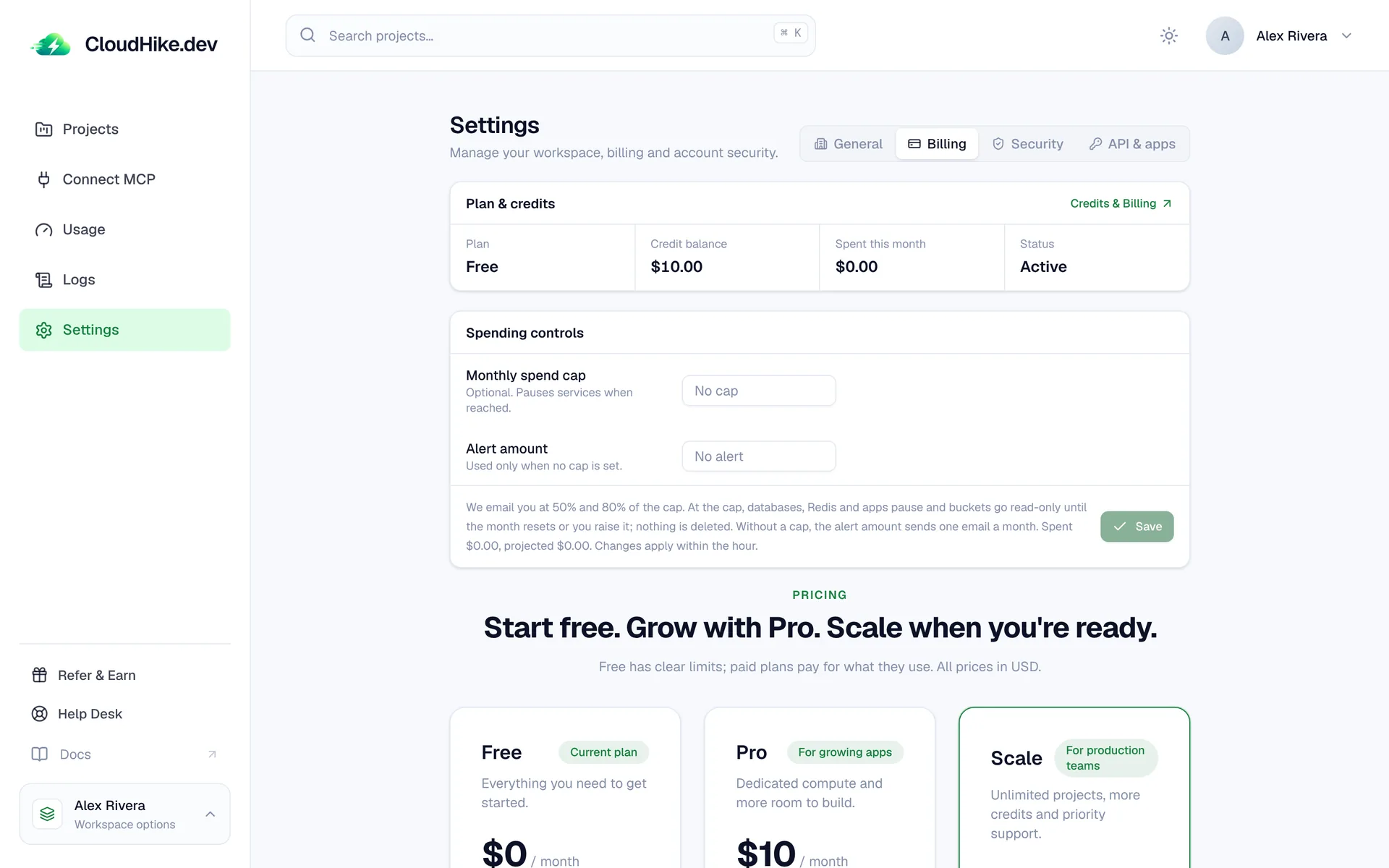
Spending controls

Set a monthly spend cap and an alert amount in Settings. You get an email at 50% and 80% of the cap, and see a forecast of the month's total so there are no surprises.

The Billing settings with plan and credits, a monthly spend cap and an alert amount
Plans and billing
New

Database sizes with a live Resize

Paid databases and Redis come in memory sizes you can change from the dashboard with Resize. Connections scale with memory, and every paid database gets a connection pooler of its own.

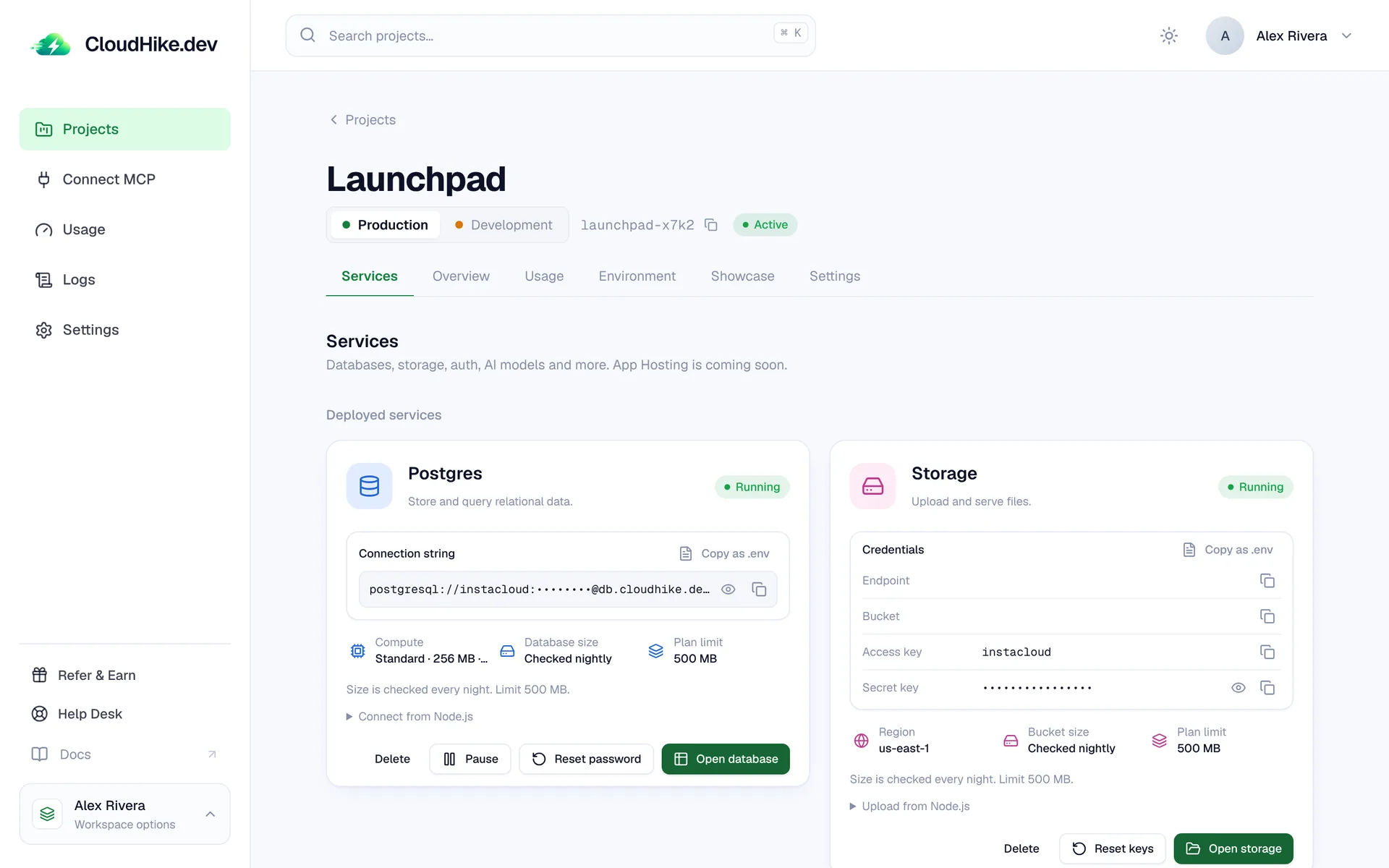
The Postgres card showing its compute size, database size and plan limit
Postgres docs
New

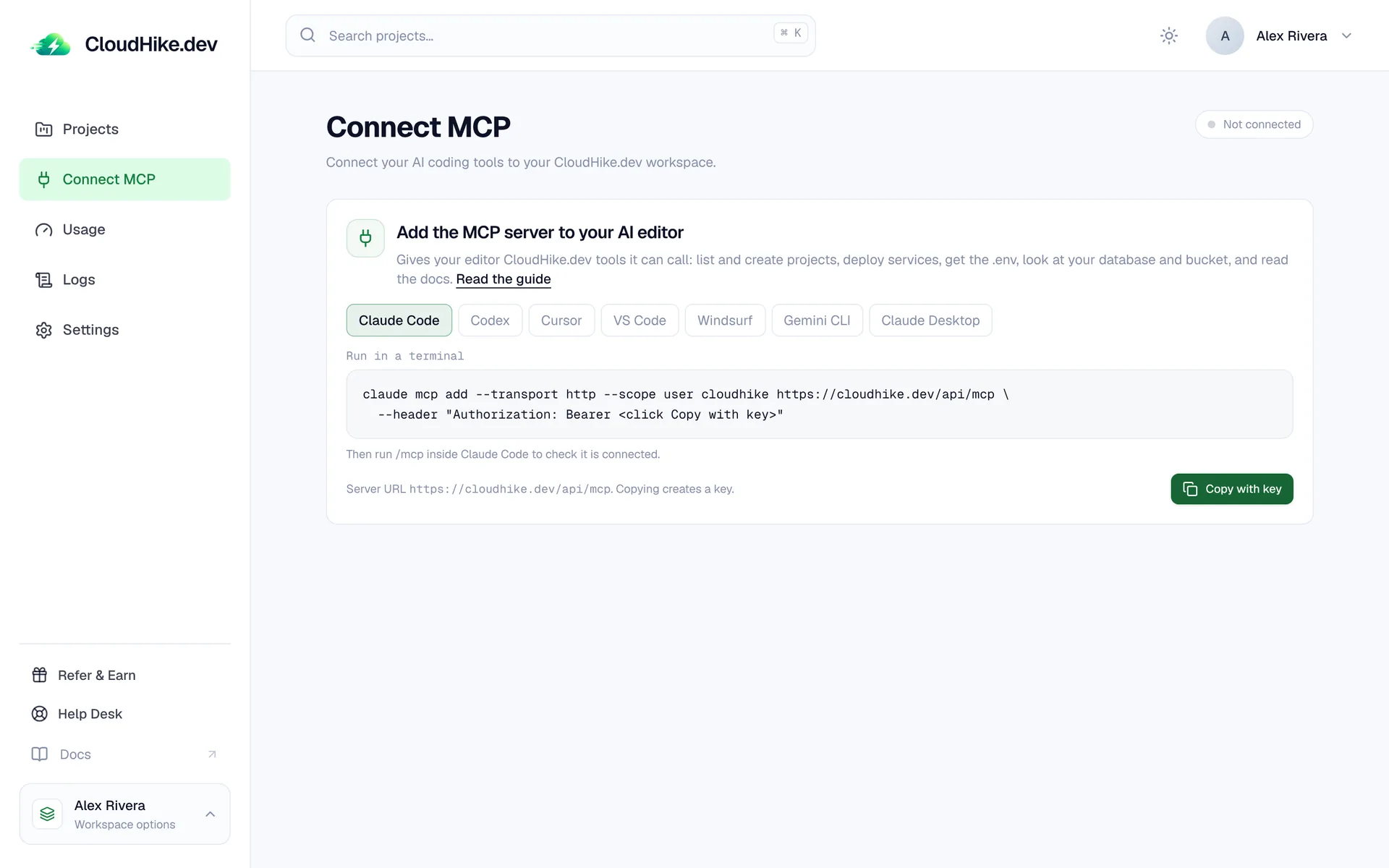
An MCP server for your AI editor

Connect Claude Code, Cursor, Codex, VS Code, Windsurf or Gemini CLI to your workspace. Your editor can list and create projects, deploy services, read the .env and look at your database and bucket.

The Connect MCP page with setup commands for different AI editors
MCP docs
New

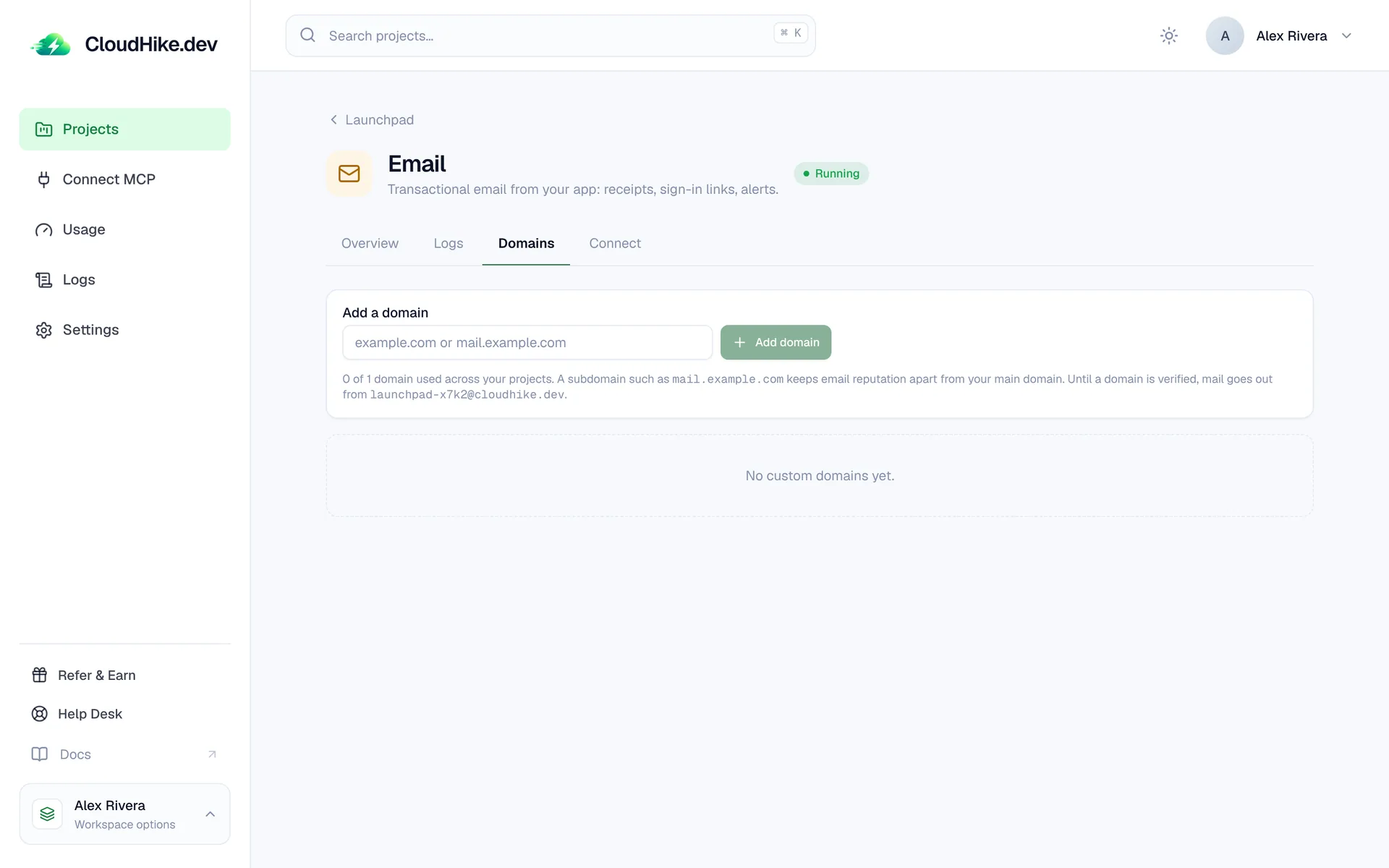
Send email from your own domain

Add a custom domain to the Email service and we give you the DNS records to verify it. Send a test email from the dashboard to check delivery before you go live.

The Email Domains tab with a field to add a custom domain
Email docs
New

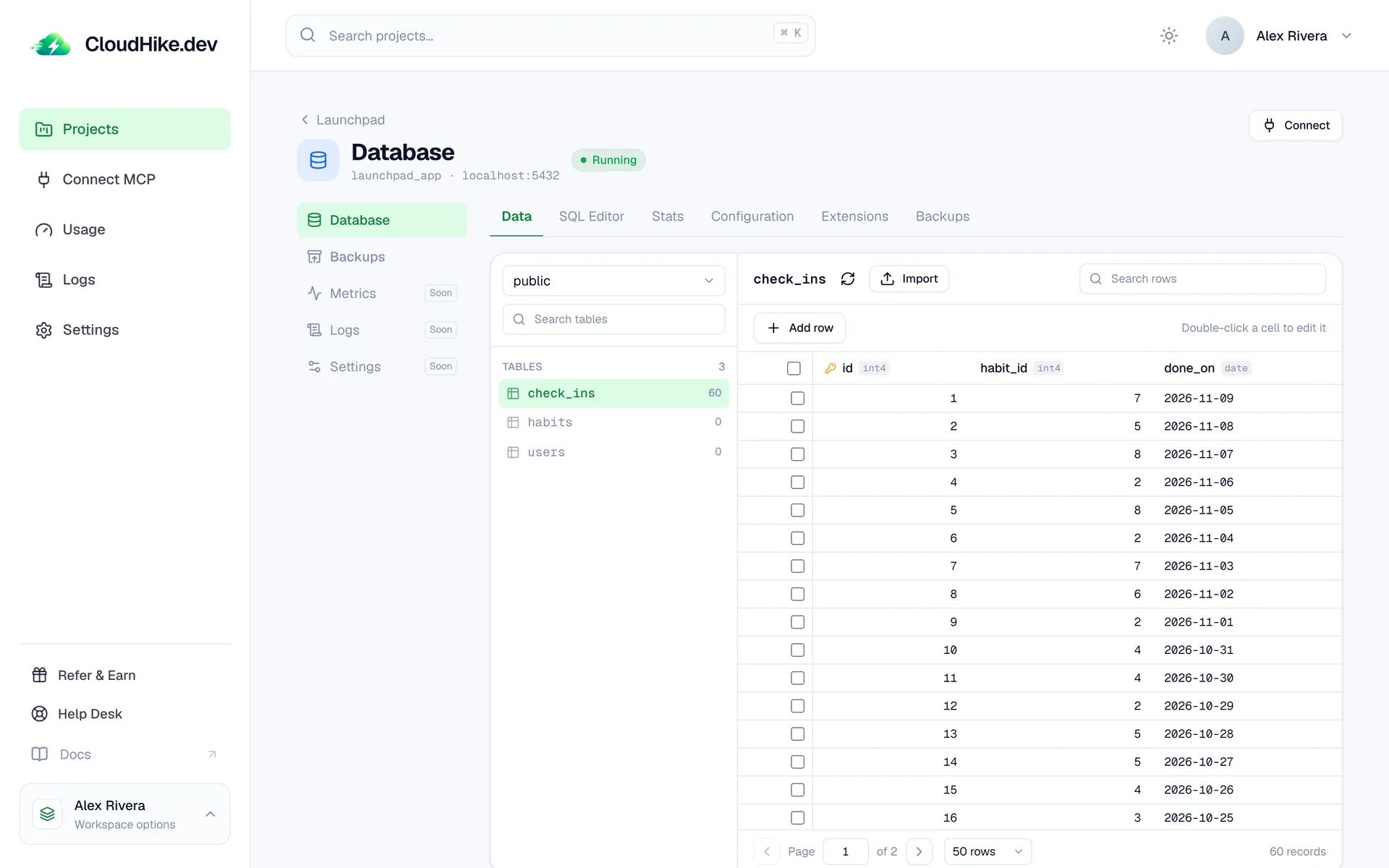
Edit rows in the database explorer

Double-click a cell to change it, add new rows, and browse every table page by page, all without leaving the dashboard.

The database explorer showing a table of rows with an Add row button
New

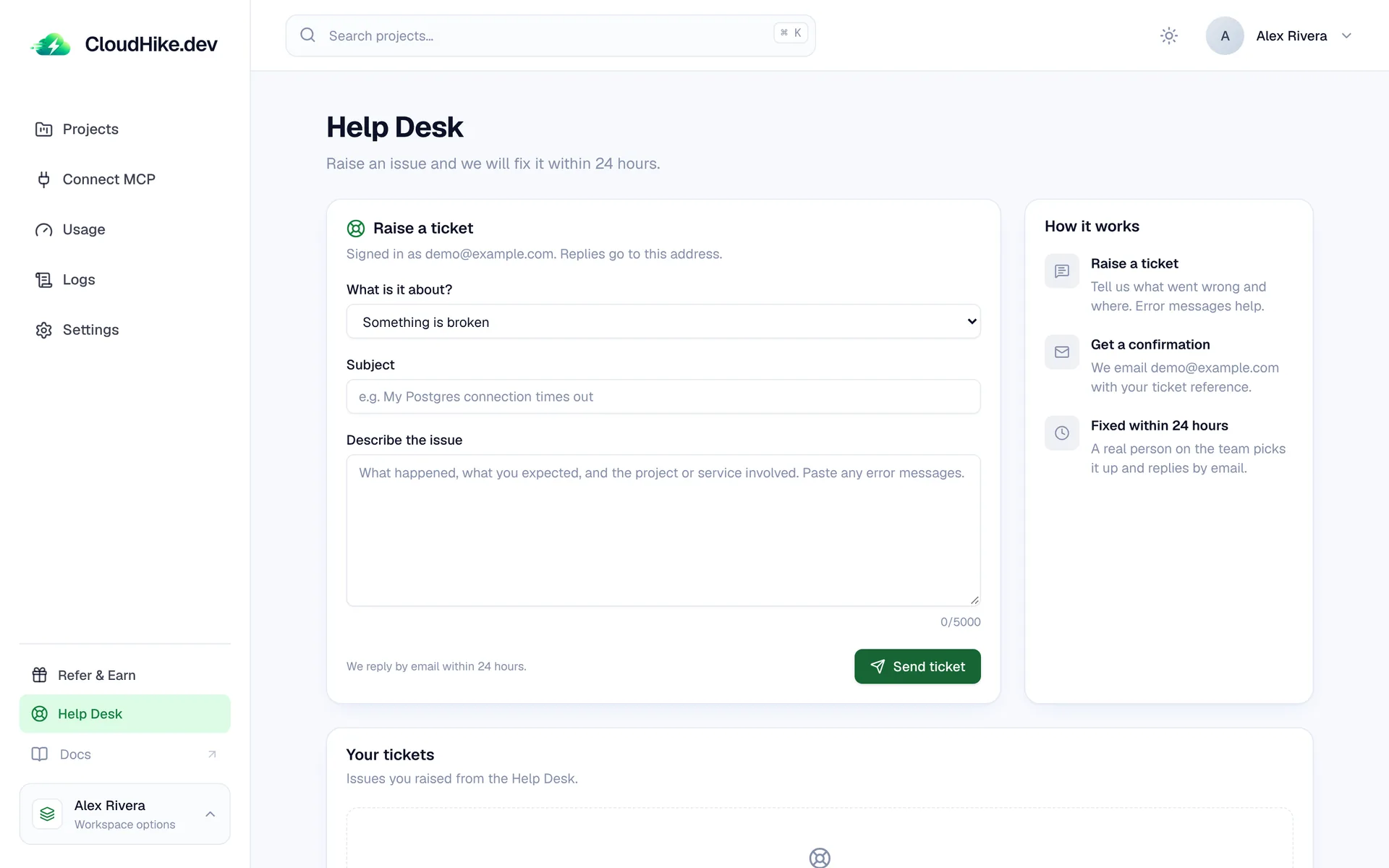
Help Desk

Raise a support ticket from the sidebar. Tell us what went wrong and a real person on the team replies by email, usually within 24 hours.

The Help Desk page with a form to raise a ticket
New

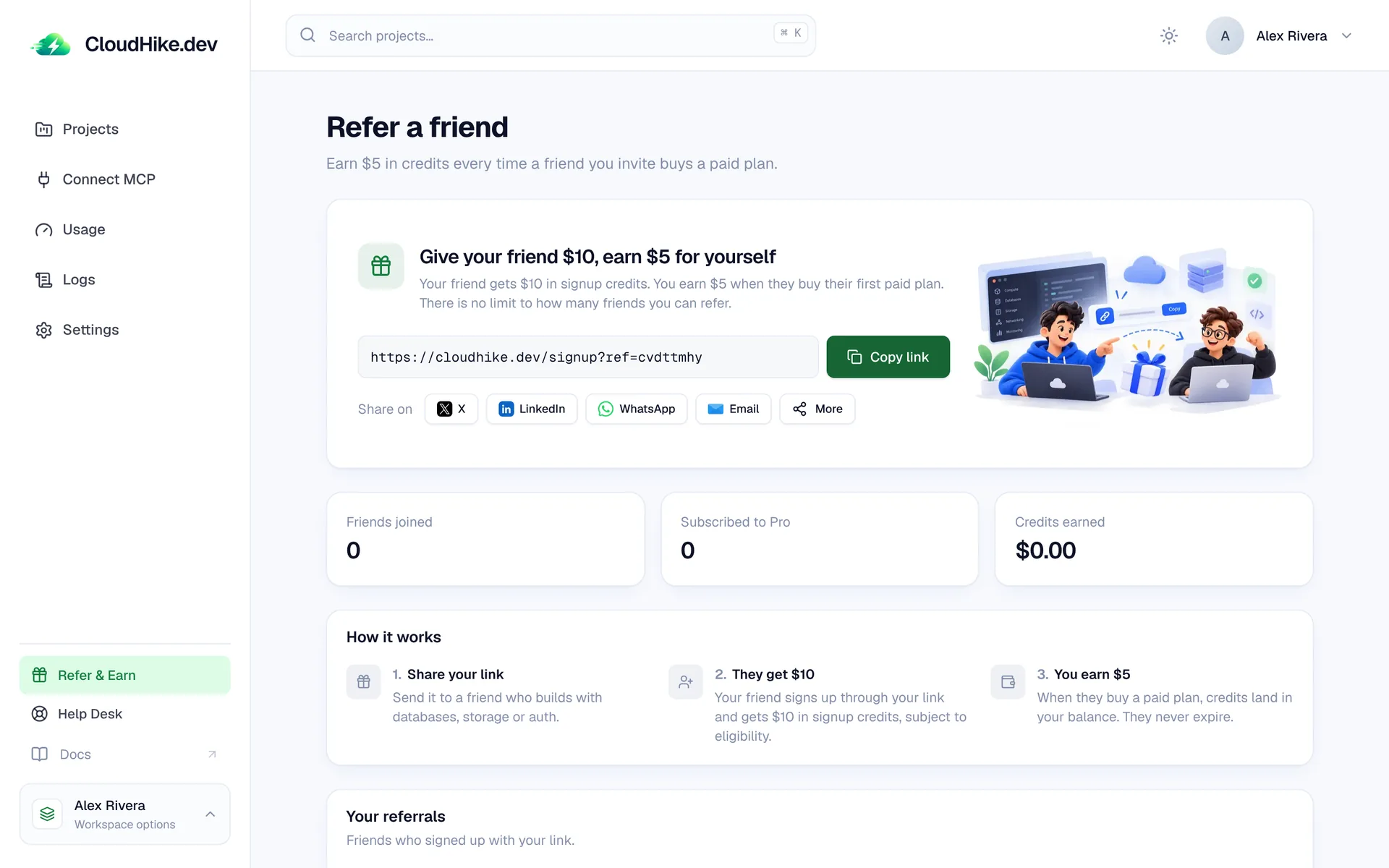
Refer a friend

Share your link: your friend gets $10 in signup credits, and you earn $5 when they buy their first paid plan. There is no limit to how many friends you can invite.

The Refer a friend page with a share link and referral stats
New

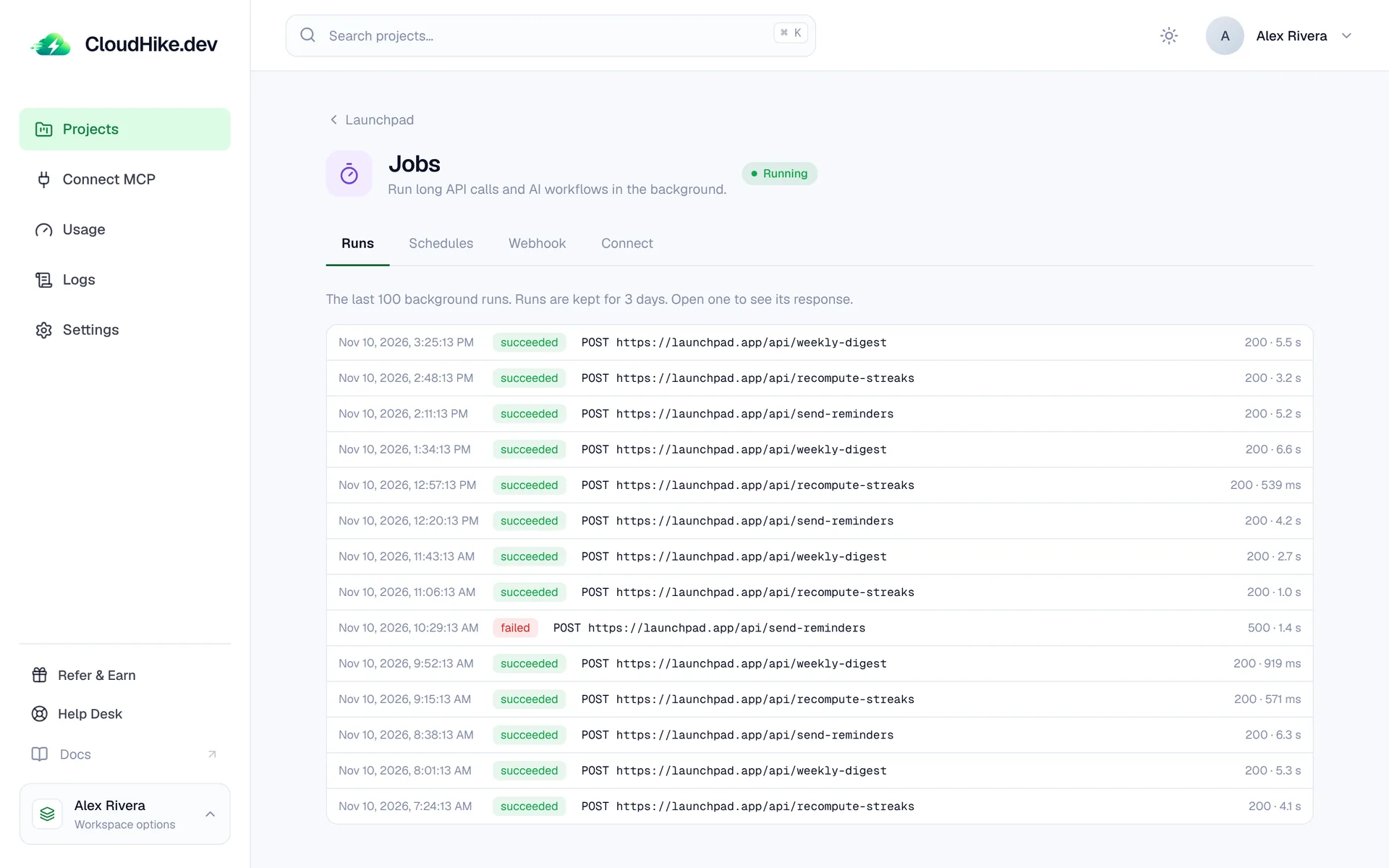
Background jobs

Run long API calls and AI workflows in the background. Queue a job with one request and see the last 100 runs with their status, duration and response.

The Jobs Runs tab listing recent runs with their status, URL and duration
Background jobs docs
New

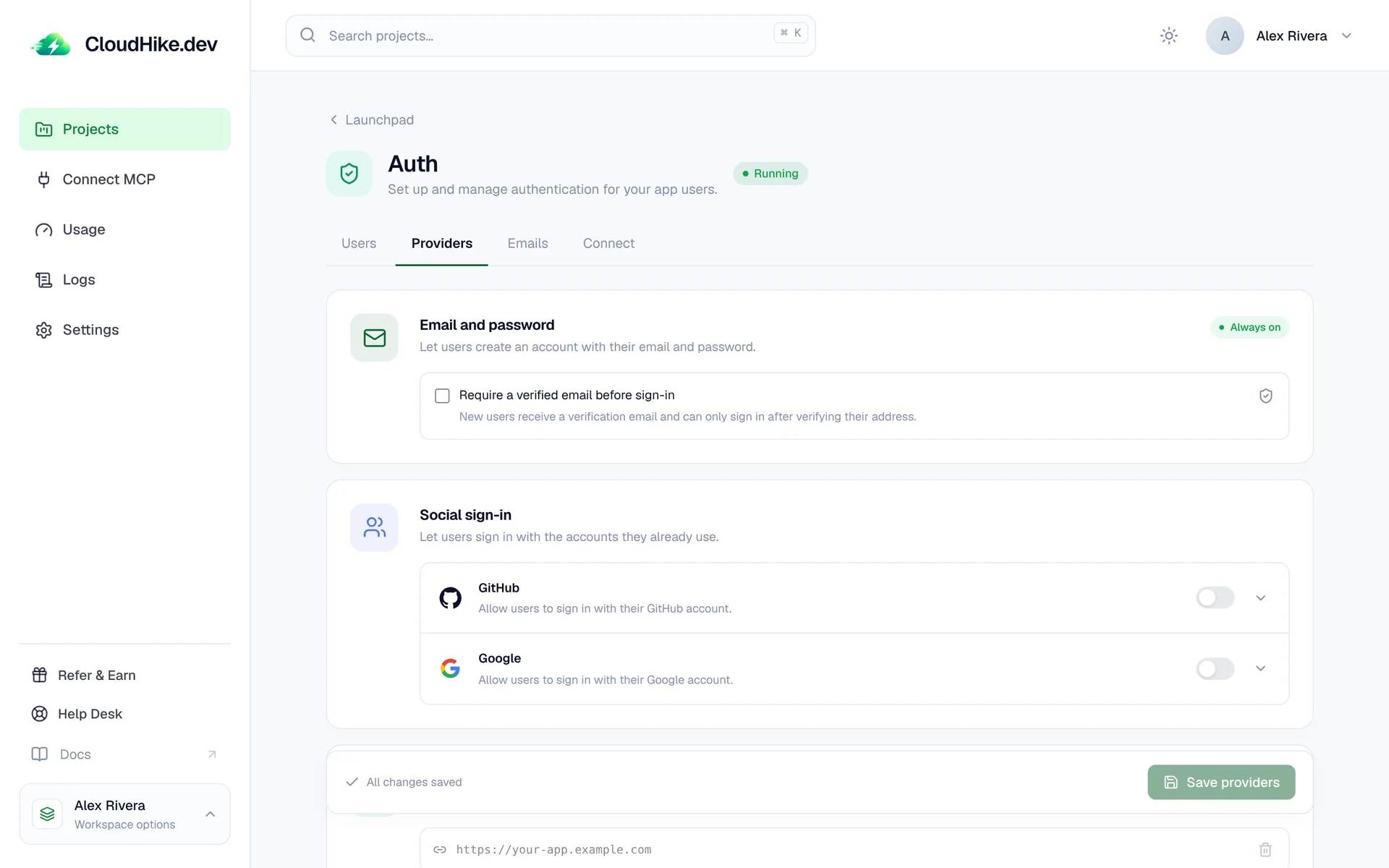
Sign in with GitHub and Google

Turn on social sign-in for your app's users from the Auth service. Use CloudHike's shared OAuth apps to start, or bring your own.

The Auth Providers tab with email and password and GitHub and Google sign-in
Auth docs
New

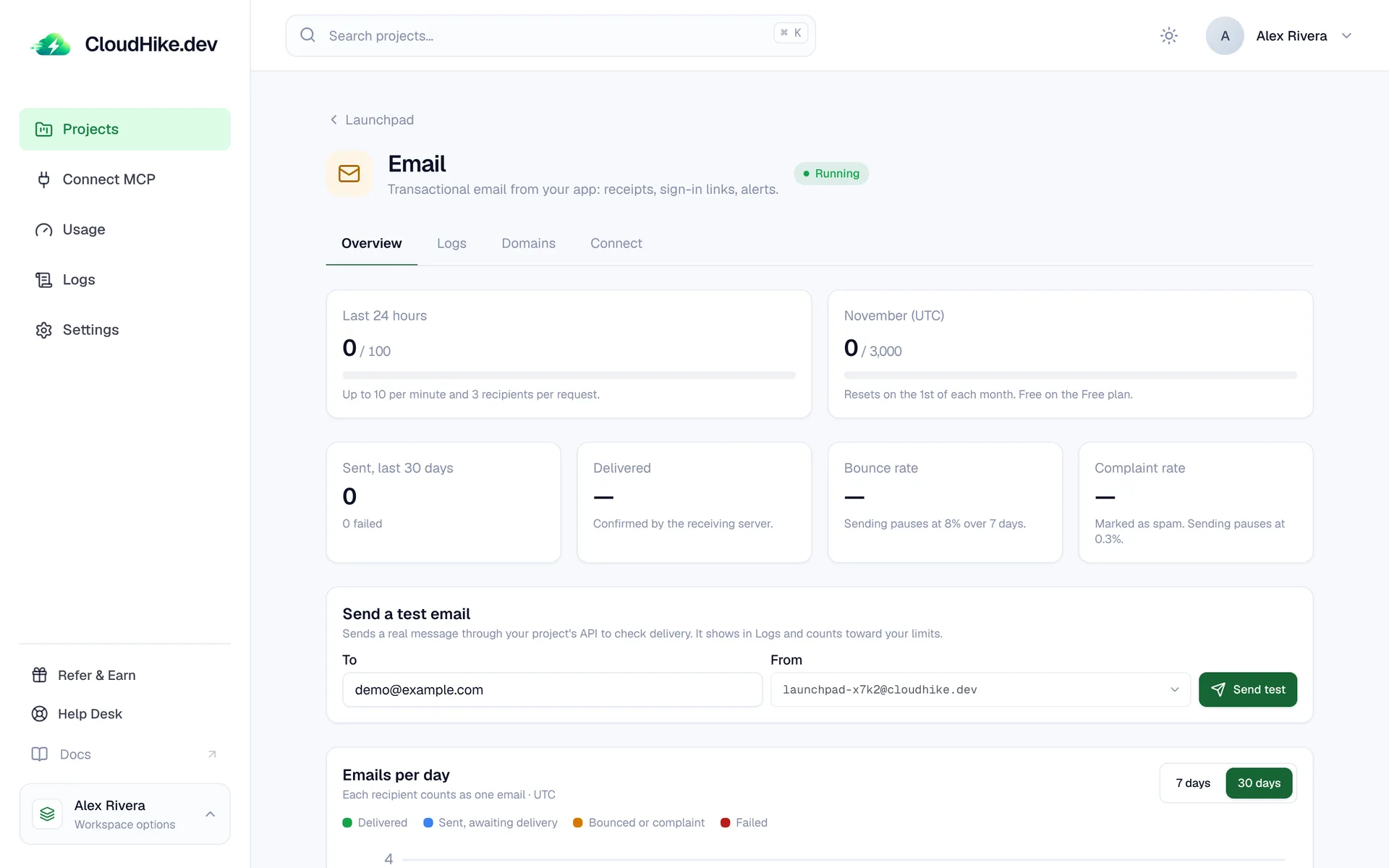
Transactional email

Send receipts, sign-in links and alerts from your app with the Email service. Track deliveries, bounces and complaints, and see emails per day.

The Email overview with sending limits, delivery stats and a test email form
Email docs
New

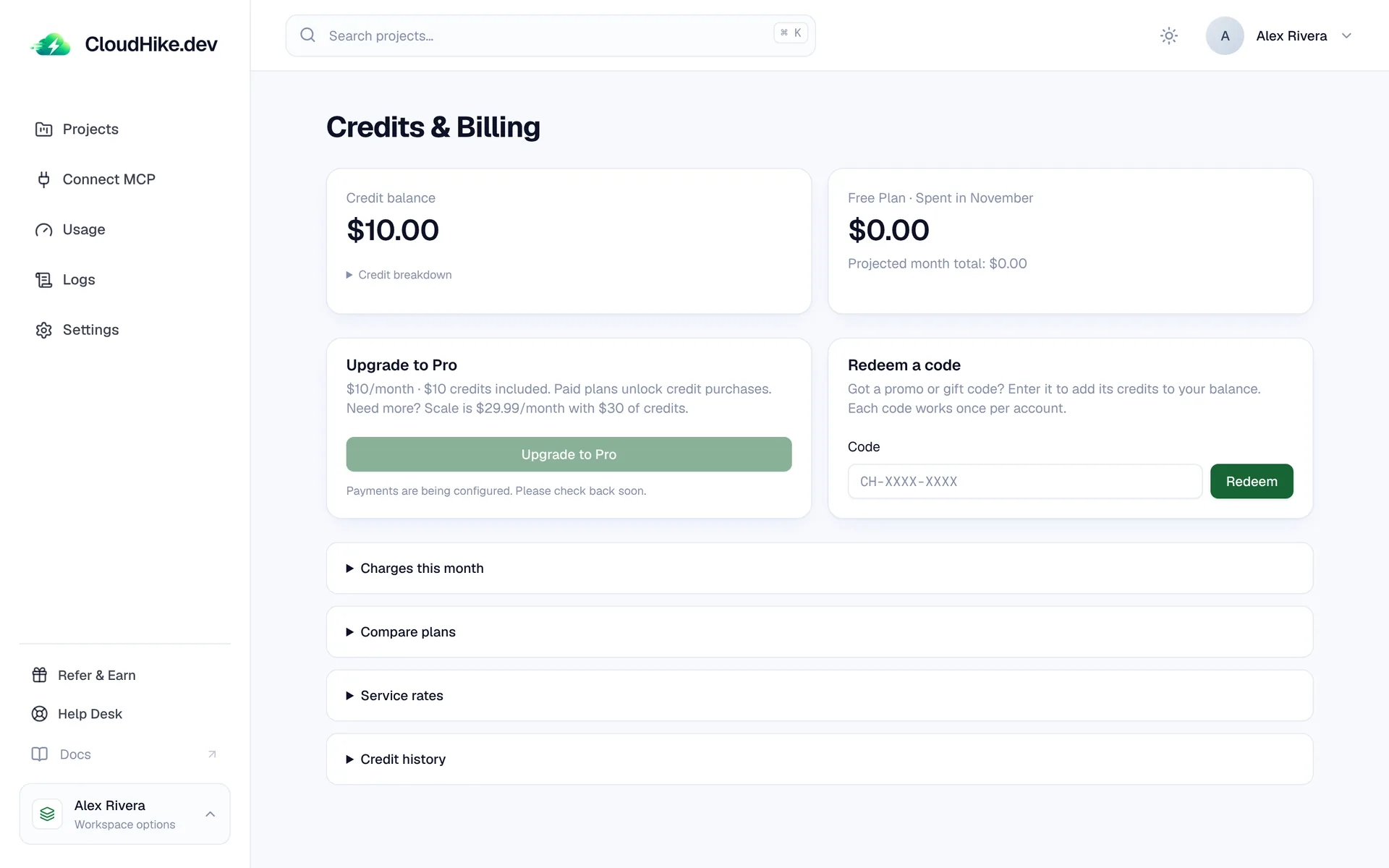
Prepaid credits and usage billing

Pay only for what your projects use. Credits are spent hourly at published rates, you can redeem promo codes, and every charge shows up in your credit history.

The Credits & Billing page with the credit balance, monthly spend and a redeem code form
Plans and billing
New

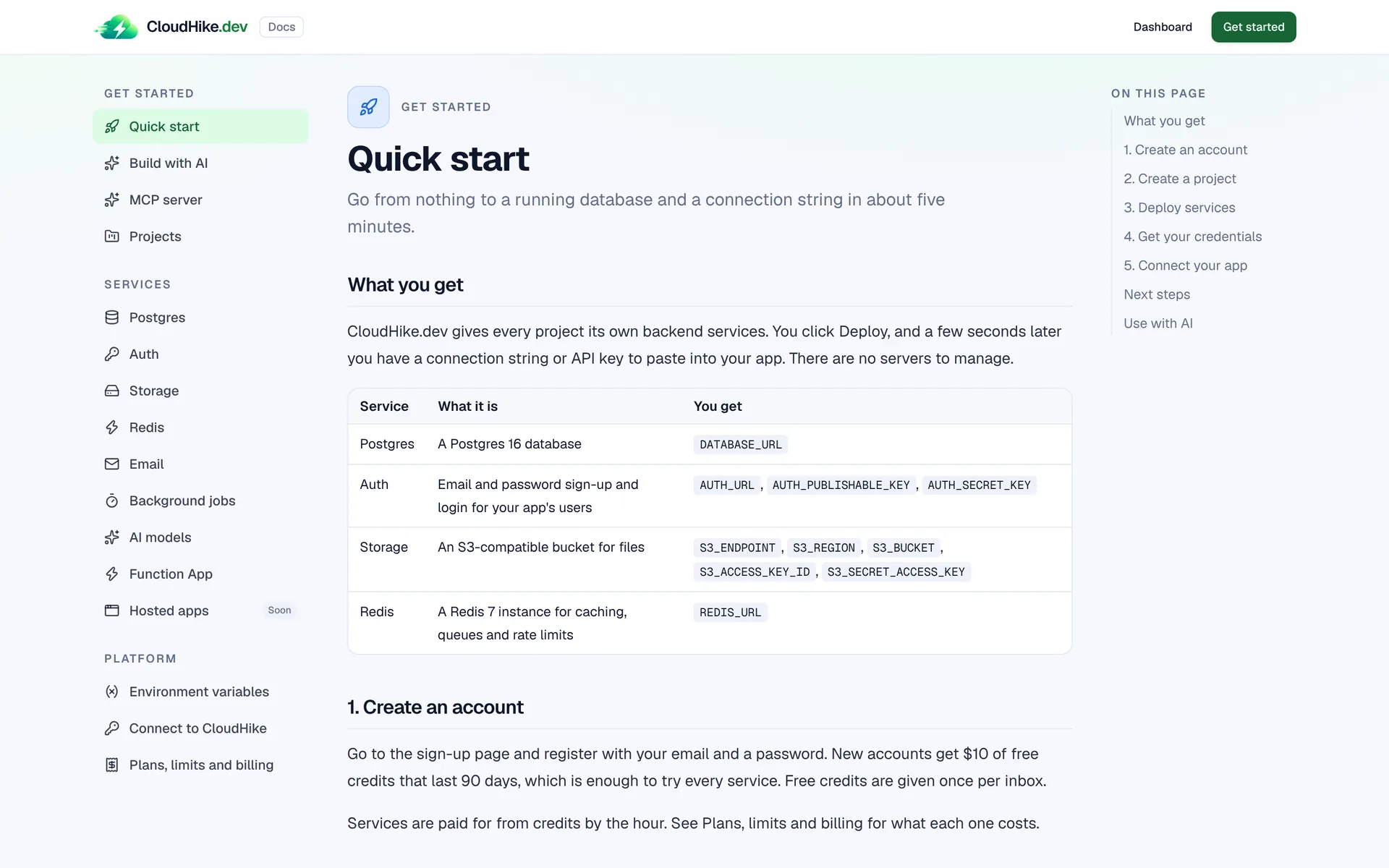
Docs for every service

A quick start, a guide for every service and a "Use with AI" section with prompts you can paste into your coding agent.

The Quick start page of the CloudHike docs
Open the docs
New

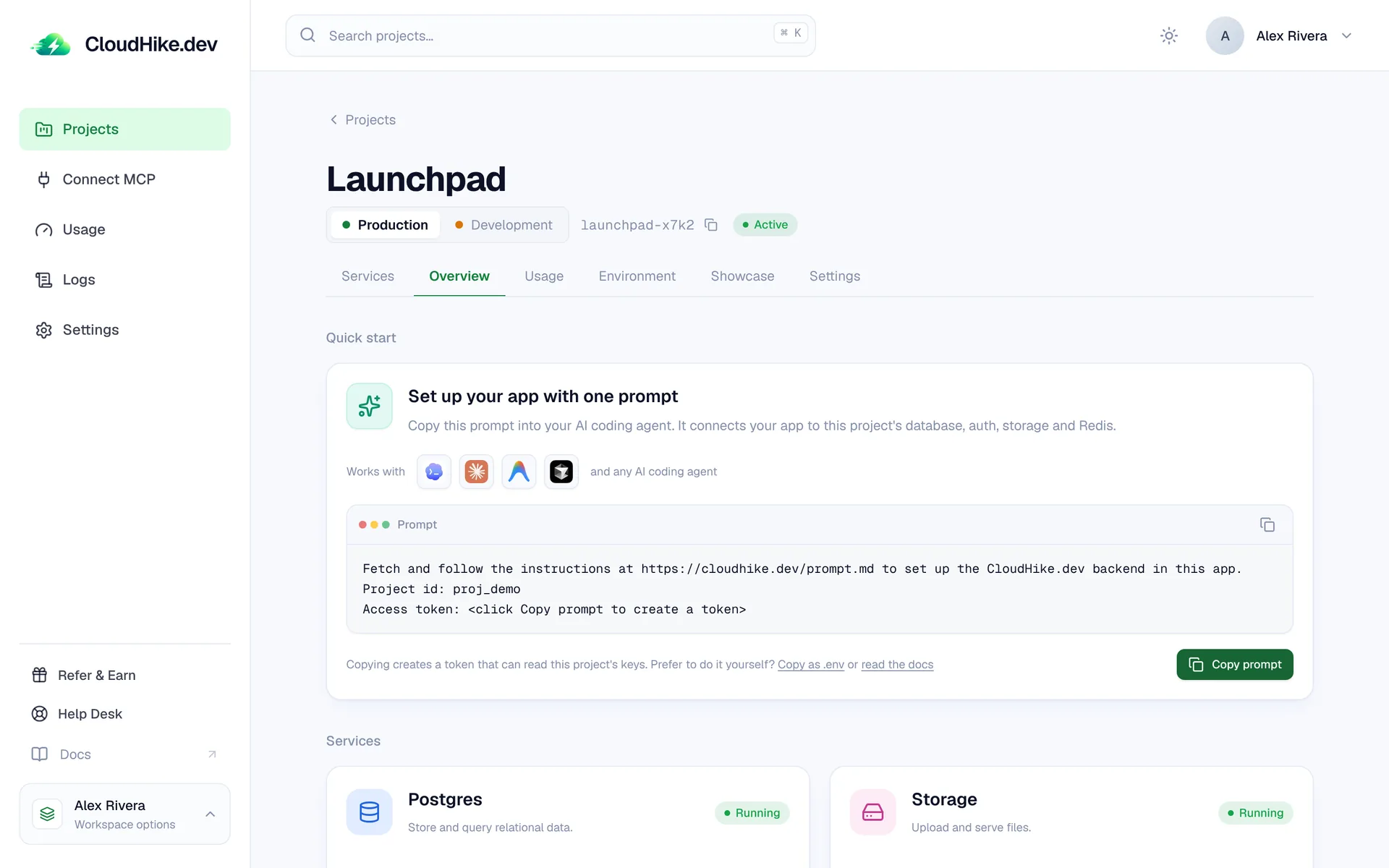
Set up your backend with one prompt

Copy one prompt into your AI coding agent and it connects your app to the project's database, auth, storage and Redis. Works with Claude Code, Cursor, Codex and any other agent.

The project Overview tab with the Quick start prompt
Build with AI
New

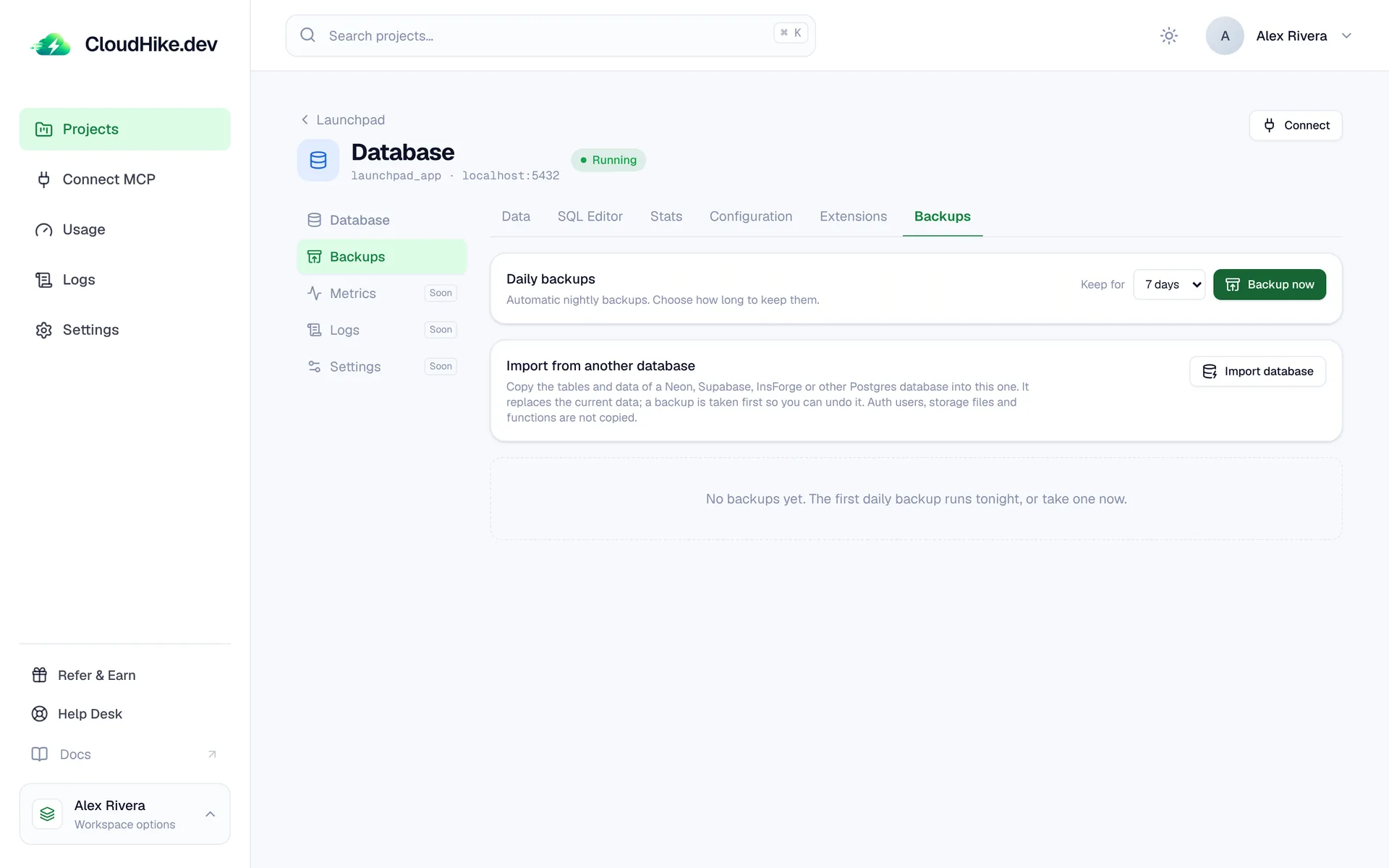
Daily backups and restore

Every database is backed up nightly. Choose how long backups are kept, take one now, and restore any of them in a click.

The Backups tab with daily backups and retention settings
Postgres docs
New

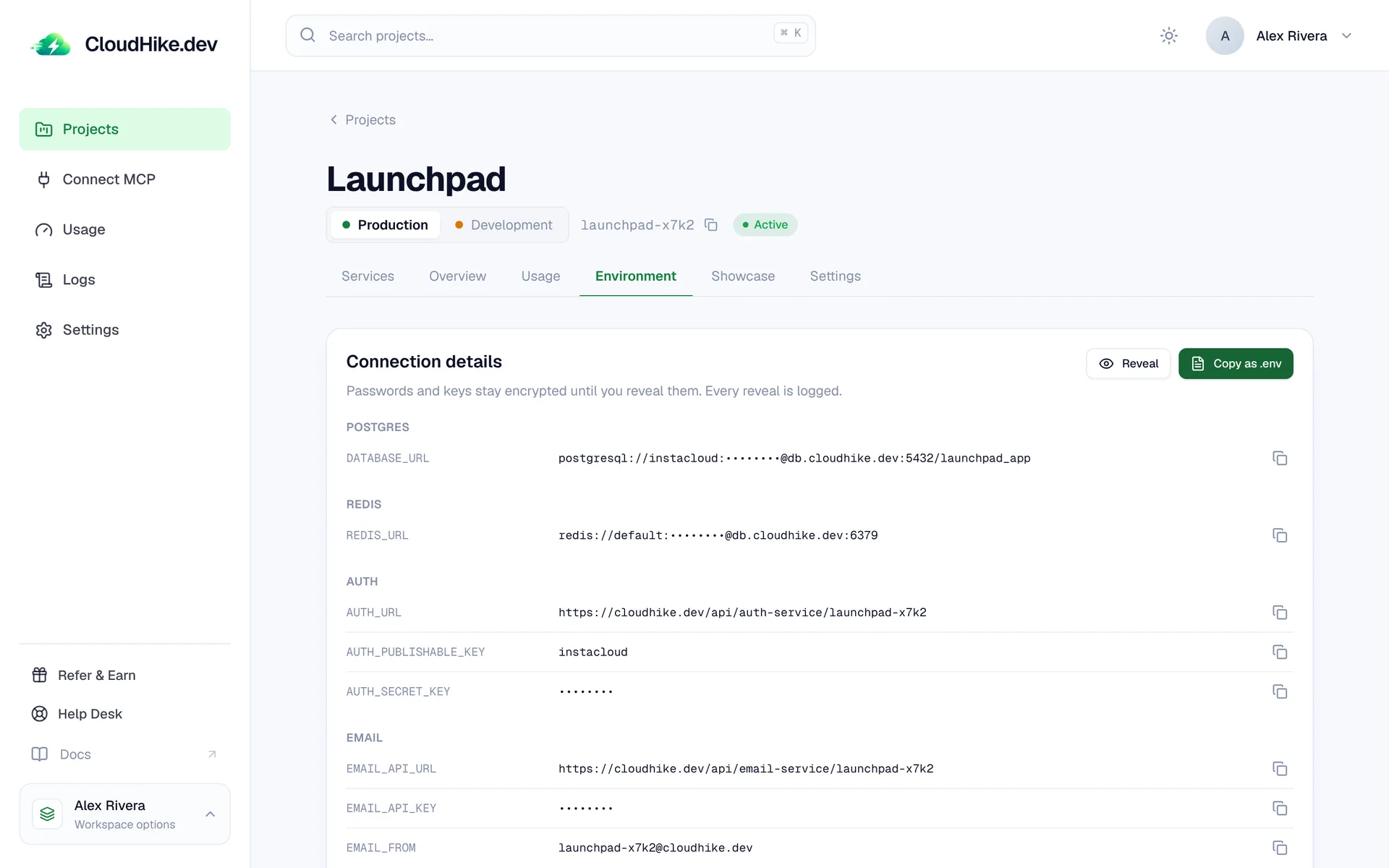
CloudHike launches

Create a project and deploy Postgres, auth, storage and Redis in a few clicks. Each service comes with its connection details ready to copy into your .env.

The Environment tab with connection details for Postgres, Redis, Auth and Email
Start building

Smaller improvements and fixes

  • Improved

    Available services show as equal-height tiles in a three-column grid.

  • Improved

    Dashboard sign-up now verifies your email address, and new workspaces are named for you.

  • Improved

    Code snippets have syntax highlighting and a copy button, and every service card can copy its variables as .env.

  • New

    A workspace API key lets AI coding agents create and manage projects for you.

  • New

    A connection pooler sits in front of shared databases, so serverless apps don't run out of connections.

  • New

    Pause a database you aren't using and resume it whenever you like.

  • Improved

    Free databases move to a dedicated container of their own when you upgrade.

  • New

    A storage browser for each project's bucket: upload, download and delete files from the dashboard.

Try what's new.
Free to start.

No credit card required.